Why Some Astra Channels Need a Full Rescan
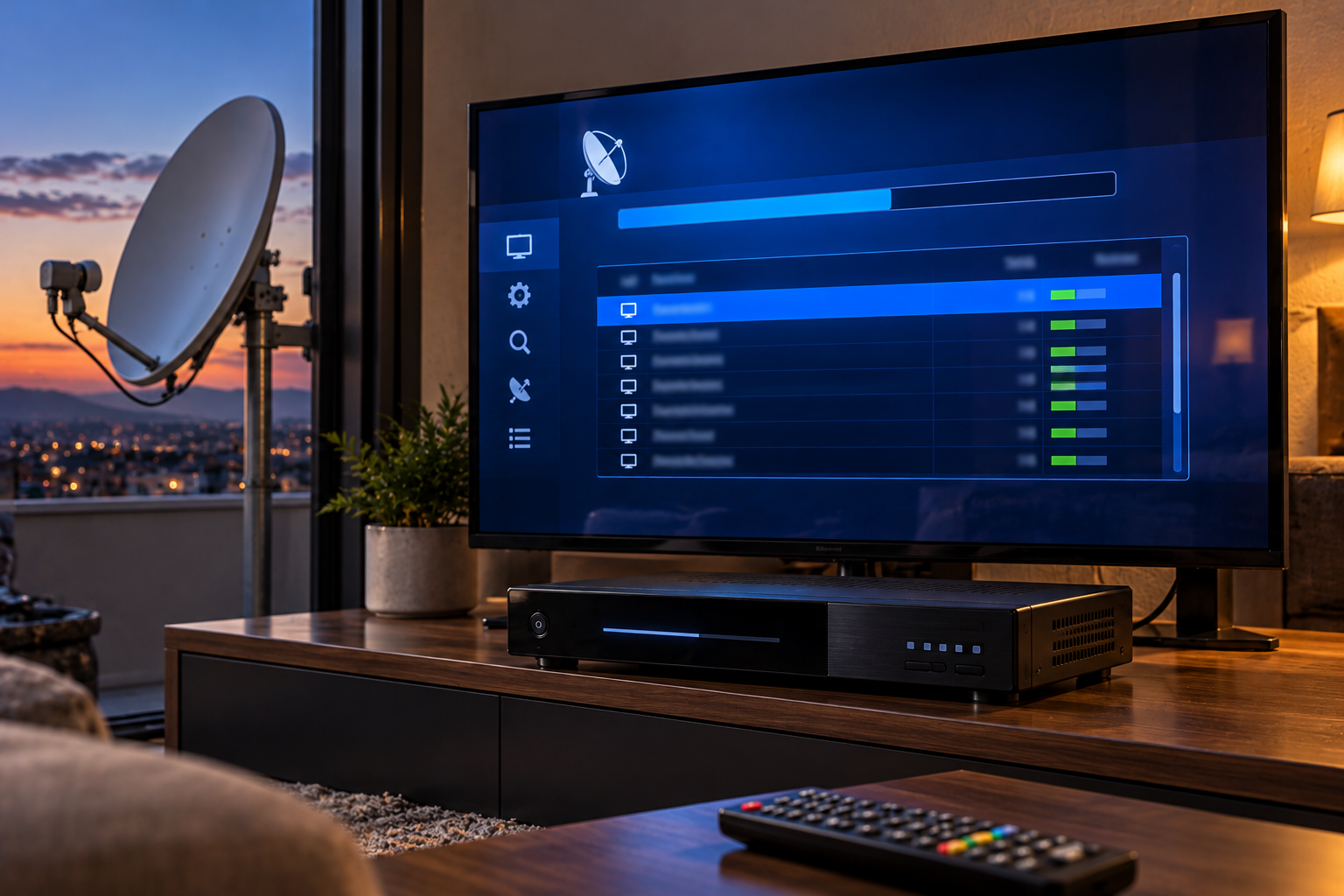
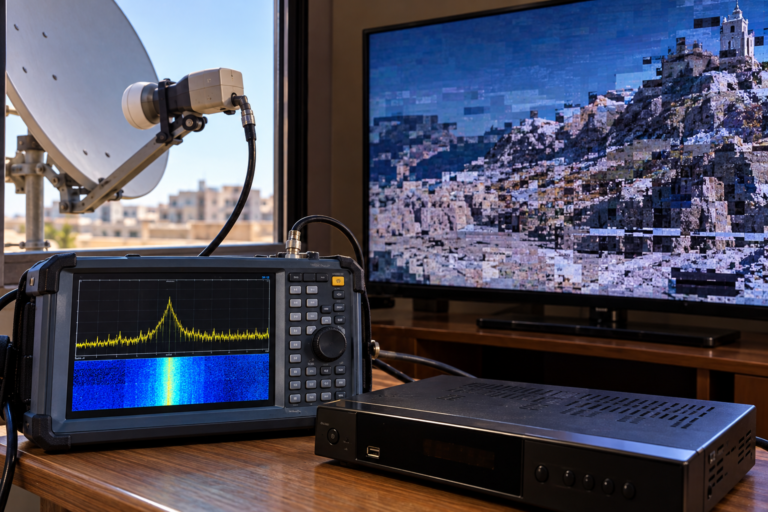
A familiar channel disappears from your Astra 19.2E receiver, yet the satellite signal is still strong. Other channels work normally, the dish has not moved, and the weather is clear. Then you run a channel scan, and the missing service suddenly returns. What changed when nothing happened to your antenna?
Often, the change happened inside the broadcast network rather than at your home. A television service may have moved to another transponder, changed its technical identifiers, or updated the information your receiver uses to find and decode it. But a full satellite rescan is not always necessary. Understanding the difference between a frequency change, a service database problem, and an actual reception fault can save time and prevent unnecessary changes to your channel list.
Astra 19.2E channels may need rescanning when broadcasters change transmission parameters, move services between transport streams, or update DVB service information. A manual scan can often restore one missing channel, while a network or full satellite scan may be useful when many services have changed. However, rescanning cannot repair poor signal quality, incorrect LNB switching, or an incompatible receiver.
Why Astra Channels Disappear Without Signal Loss
Satellite receivers do not simply display every television service carried by the satellite automatically.
They maintain a database containing information about the channels they have discovered.
That database may include the satellite entry, transponder frequency, polarization, symbol rate, service identifiers, and other technical information.
When you select a channel, the receiver uses its stored information to locate the relevant transport stream and service.
If a broadcaster changes part of that information, the stored entry may no longer point to the correct service.
The receiver may then display an error, open a different service, or fail to find the expected channel.
Meanwhile, other services on Astra 19.2E continue working normally because their stored information remains valid.
This is why a disappearing channel does not automatically indicate that the satellite signal has weakened.
It may simply mean the receiver’s database no longer matches the current broadcast configuration.
However, it is important to check whether the receiver is actually locking onto the relevant transponder before assuming that a database update is the solution.
When Broadcasters Move Channels Between Transponders
Satellite operators and broadcasters periodically reorganize their transmission capacity.
A television service may move from one transponder to another because of capacity planning, technical upgrades, contractual changes, or network restructuring.
When this happens, the original channel entry may still reference the previous frequency and transport stream.
If the old carrier no longer contains that service, the receiver cannot find it using the stored information.
A fresh scan of the new transponder can discover the service at its new location.
Sometimes broadcasters transmit temporary service information or on-screen notices to help viewers retune, but this is not guaranteed.
The receiver’s ability to update automatically also depends on its software and supported service-information features.
For example, a receiver with effective automatic service updating may detect certain changes without requiring a full scan.
Another receiver may retain the obsolete channel entry until the user performs a manual or network scan.
Therefore, two receivers connected to the same Astra dish can behave differently after a broadcaster changes transponders.
Frequency, Symbol Rate and Transmission Changes
A satellite transponder is identified by more than its frequency alone.
Depending on the transmission system, the receiver may need parameters such as:
- Carrier frequency
- Horizontal or vertical polarization
- Symbol rate
- DVB-S or DVB-S2 transmission standard
- Modulation format
- Forward error correction parameters
- Other acquisition settings required by the receiver
If a carrier changes its symbol rate or transmission configuration, older stored settings may no longer allow the receiver to acquire it.
Some receivers can automatically detect several transmission parameters once the frequency and symbol rate are known.
Others may require additional configuration or updated firmware.
For example, a receiver that supports only DVB-S cannot receive a carrier transmitted exclusively using DVB-S2.
In that situation, a full rescan will not overcome the hardware limitation.
Similarly, a channel may be discovered successfully but use a video codec that the receiver cannot decode.
It is essential to distinguish between finding a carrier, discovering a service, and displaying its picture.
Why Service IDs Matter
Within the DVB broadcasting system, channels are identified using structured service information.
Three identifiers are especially important:
- Service ID (SID): Identifies a service within a transport stream.
- Transport Stream ID (TSID): Identifies a transport stream within its original network context.
- Original Network ID (ONID): Identifies the original network namespace associated with the transport stream.
Together, these identifiers help distinguish one service from another.
When a broadcaster reorganizes a multiplex or moves a service to another transport stream, the relevant identifiers may change.
An older receiver database can continue referencing the previous combination.
That may leave a channel entry that no longer points to the intended service.
A new scan reads the current service information and creates or updates the relevant database records.
However, the visible channel name alone is not a reliable identifier.
Two services can have similar names, and the same broadcaster may operate multiple regional or technical versions.
This is why deleting channels based only on their displayed names can accidentally remove valid services.
How DVB Service Information Controls Channel Discovery
Satellite receivers use information transmitted alongside the television and radio content to identify and organize services.
Several tables play important roles.
| Table | Primary Function | Why It Matters During a Scan |
|---|---|---|
| PAT — Program Association Table | Associates program numbers with their Program Map Tables | Helps locate program-specific information |
| PMT — Program Map Table | Describes the elementary streams belonging to a program | Identifies components such as video and audio streams |
| SDT — Service Description Table | Provides service descriptions and related metadata | Helps receivers identify and name services |
| NIT — Network Information Table | Describes network and transport-stream information | Can help compatible receivers discover related carriers |
The PAT and PMT are part of MPEG transport-stream program information, while the SDT and NIT belong to DVB service information.
These tables work together to help a receiver identify available services and their components.
If a broadcaster updates service information, a receiver may need to refresh its stored data.
However, not every change requires a full satellite rescan.
Some receivers automatically update relevant tables while tuned to the affected transport stream.
Others require a manual scan or service-list refresh.
The exact behavior depends on the receiver’s firmware and implementation.
When a Manual Transponder Scan Is Enough
A manual scan is usually the most efficient option when you know which transponder carries the missing channel.
Instead of searching the entire Astra 19.2E position, the receiver examines one selected carrier.
This approach is particularly useful when:
- Only one channel or a small group has disappeared
- The broadcaster has announced a frequency change
- You have verified the current transponder parameters
- Other Astra services continue working normally
- You want to avoid reorganizing the complete channel list
Before scanning, confirm the current frequency, polarization, symbol rate, and any required transmission parameters using a reliable source.
Then enter those values in the receiver’s manual transponder search menu.
If the tuner locks onto the carrier and reads valid service information, it may add the missing channel or update an existing entry.
Some receivers create duplicates rather than replacing obsolete entries, so check the resulting channel list afterward.
A manual scan is often the least disruptive solution when the change affects a single known transport stream.
When Network Scan Can Help
Network scan is useful when the receiver can obtain information about additional transport streams from the broadcast network.
In DVB systems, the Network Information Table may contain delivery information for other transport streams.
A compatible receiver can use that information to extend the scan beyond the initial frequency.
This can help discover services that have moved within a network or are carried on transponders absent from the receiver’s stored list.
However, network scanning is not guaranteed to discover every active carrier on Astra 19.2E.
The result depends on the NIT information transmitted by the broadcaster and how the receiver interprets it.
Some networks describe only a limited set of related transport streams.
Others may provide broader information.
Network scan should therefore be treated as a useful discovery method, not as a complete replacement for accurate transponder data.
When a Full Astra Rescan Is Actually Necessary
A full satellite rescan becomes more useful when the receiver’s database is substantially outdated or many services have changed.
It may also be appropriate after a major receiver software update, a channel database failure, or extensive changes to the available transponder list.
Typical situations include:
- Many unrelated channels are missing
- Several transponder entries are outdated
- The receiver has not been updated for a long period
- Repeated service changes have created a confusing channel list
- Manual scans are no longer practical because too many entries need updating
Even then, the scan should be performed only after confirming that the receiver is actually receiving Astra 19.2E and that its antenna settings are correct.
A full scan performed with the wrong DiSEqC port or satellite selection can populate the database with services from another orbital position.
For more on that problem, read Why Your Receiver Finds the Wrong Astra Channels.
Also remember that a full scan based only on an outdated stored transponder list may still miss newly introduced carriers.
Depending on the receiver, updating the transponder list, enabling network discovery, or using a suitable blind scan may be necessary.
Why Old Channels Stay in the Receiver
When a service moves or stops broadcasting, its old database entry does not always disappear automatically.
Some receivers preserve the entry until the user deletes it.
Others may update or remove obsolete entries during scanning, depending on the selected options.
This explains why a channel list can contain multiple versions of what appears to be the same service.
For example, an older entry may reference a previous transponder while a newly discovered entry points to the current one.
Both may display similar channel names.
One works, while the other shows an error.
Before deleting duplicates, compare their transponder parameters and service identifiers where the receiver allows it.
Do not assume that every duplicate name represents an invalid entry.
Some broadcasters distribute separate regional versions, SD and HD services, or different technical feeds under similar names.
How Scan Filters Hide Available Channels
Sometimes a receiver fails to list a channel not because the transmission changed, but because the scan settings exclude it.
Common filters include:
- Free-to-air services only
- Encrypted services only
- Television services only
- Radio services only
- Selected service types
- Specific network or provider filters
For example, a free-to-air-only scan may omit encrypted services even when the receiver can lock onto their transponders.
A television-only scan may exclude radio services.
Some receivers also provide options to skip existing channels, update only new services, or preserve previously stored entries.
Those settings can change the results significantly.
Before repeating a scan, inspect the selected filters and understand what the receiver is configured to include.
When Rescanning Will Not Fix the Problem
A rescan updates the receiver’s knowledge of available services.
It does not improve the physical satellite signal.
If the receiver cannot lock onto a carrier because of poor antenna alignment, insufficient reception margin, or an LNB fault, scanning will not repair that condition.
The same applies to incorrect polarization switching, missing 22 kHz band selection, or damaged coaxial cables.
These problems must be diagnosed at the reception level.
A particularly useful distinction is whether the receiver reports a valid carrier lock on the affected transponder.
If it cannot lock, investigate the RF signal path and tuning parameters.
If it locks successfully but the expected service is missing, investigate service information, scan settings, and database entries.
If the service is present but cannot be displayed, investigate codec support, conditional access, or decoding problems.
For broader reception diagnostics, see Why Astra 19.2E Works but Some Transponders Fail.
Which Scan Method Should You Choose?
| Situation | Recommended First Action | Why |
|---|---|---|
| One known channel moved to a new frequency | Manual transponder scan | Targets the specific changed carrier |
| Several services within one network have changed | Network scan, if supported and suitable | May discover related transport streams |
| Many unrelated channels are missing from an old database | Update transponder data, then consider a full scan | Refreshes a wider set of service entries |
| Receiver cannot lock onto the affected transponder | Check RF reception and tuning parameters | Scanning cannot repair a missing carrier lock |
| Channel is listed but shows an unsupported format | Check receiver and codec compatibility | The service may be found but not decodable |
| Channel is absent after an FTA-only scan | Review scan filters | The service may have been intentionally excluded |
| Unexpected channels appear under Astra | Verify satellite and DiSEqC selection | The receiver may be scanning the wrong source |
This decision process is more efficient than using a full rescan as the default response to every missing channel.
Step-by-Step Astra Rescan Procedure
Step 1: Back Up Your Channel List
If the receiver supports exporting its channel database, save a copy before changing anything.
This can preserve favorites, custom channel ordering, and existing working entries.
Step 2: Confirm Astra 19.2E Is Actually Selected
Check the satellite entry, DiSEqC port, motor position, and LNB configuration.
The satellite name shown in the menu does not independently prove the antenna is receiving that orbital position.
Step 3: Identify the Missing Services
Determine whether one channel, one transponder group, or many unrelated services are affected.
This helps establish whether a manual scan or a broader search is appropriate.
Step 4: Verify Current Transmission Parameters
Use up-to-date information from the broadcaster, satellite operator, or a reliable maintained transponder directory.
Do not assume the receiver’s existing frequency database is current.
Step 5: Test the Relevant Carrier
Check whether the tuner locks onto the transponder before scanning.
If it does not lock, investigate reception or configuration first.
Step 6: Choose the Least Disruptive Scan
Start with a manual scan when the missing service’s current transponder is known.
Use network scan when related transport streams need discovery and the transmitted network information supports it.
Consider a full satellite scan when the database needs broader rebuilding.
Step 7: Review Scan Filters
Confirm whether the receiver is searching for free-to-air services, encrypted services, television, radio, or all supported service types.
Step 8: Check Newly Discovered Entries
Verify that the expected channels appear and can actually be opened.
A successful scan does not guarantee that the receiver supports every discovered service’s video format or access requirements.
Step 9: Remove Obsolete Entries Carefully
Delete outdated channels only after confirming that the new entries work correctly.
Keep legitimate regional or technical service variants where needed.
Step 10: Save the Updated Database
Once the channel list is correct, save the configuration and create a new backup if the receiver supports it.
Reality Check
A full rescan is a database maintenance operation, not a universal satellite reception repair.
It can help when broadcasters change frequencies, transmission parameters, or service identifiers.
It cannot correct poor MER, a defective LNB, incorrect polarization switching, damaged cabling, or unsupported receiver hardware.
Likewise, not every service change requires a complete scan. A manual transponder scan may be enough, and some receivers update service information automatically.
The right choice depends on whether the receiver has lost the RF carrier, lost the stored service reference, or lost the ability to decode the service.
Final Verdict
Some Astra 19.2E channels need rescanning because the broadcast information has changed, not because the satellite signal has become weaker.
A broadcaster may move a service to another transponder, change transmission parameters, or update the identifiers used by the receiver to locate the service.
When the change is limited to one known transponder, a manual scan is usually the most targeted solution.
Network scanning can help discover related services where suitable DVB network information is available.
A full satellite rescan becomes more useful when the receiver’s database is substantially outdated or many unrelated services have changed.
Before rescanning, verify the actual Astra satellite selection, check whether the relevant carrier locks, and preserve the existing channel list.
The goal is not to scan more often. It is to identify what changed and update only the part of the receiver’s configuration that needs attention.
Frequently Asked Questions
| Question | Answer |
|---|---|
| Why do Astra channels disappear even when signal strength is good? | The broadcaster may have changed the service’s frequency, transmission parameters, or identifiers. The receiver may still have an outdated channel entry. |
| Do I need a full rescan when one Astra channel disappears? | Usually not as the first step. If the current transponder is known, try a manual scan after confirming the carrier can be received. |
| What is the difference between manual scan and network scan? | Manual scan searches a selected carrier. Network scan may use DVB network information to discover additional related transport streams. |
| Can a full rescan fix weak Astra signal quality? | No. Rescanning does not improve antenna alignment, MER, cable condition, or LNB performance. |
| Why does a channel appear twice after rescanning? | The receiver may have retained an obsolete entry while adding the updated service, or the broadcaster may operate legitimate service variants. |
| Can a receiver update Astra channels automatically? | Some receivers support automatic service updates, but behavior depends on the firmware and transmitted service information. |
| Why does my scan miss encrypted Astra channels? | The receiver may be using a free-to-air-only scan filter. Review the selected service types. |
| Will blind scan find every Astra channel? | Not necessarily. Results depend on tuner capabilities, signal conditions, scanning implementation, and the active antenna source. |
| Can outdated transponder data cause missing channels? | Yes. An old database may contain frequencies or parameters that no longer match the current transmissions. |
| Should I factory reset my receiver before rescanning? | Generally no. Back up the existing configuration and try targeted troubleshooting first. A factory reset can erase useful settings and channel organization. |