Why Sky Italia Channels Disappear Suddenly And How To Fix It
Estimated reading time: 10 to 12 minutes.
It can be surprising when Sky Italia channels suddenly disappear from the app or stop loading without warning. One moment everything works normally, and the next moment certain channels are missing, unavailable, or showing errors. Many users assume this is a full service problem, but in most cases the reason is more specific.
Channel disappearance is not a single type of failure. It can result from authentication issues, network delays, app behavior, or backend changes. Because streaming systems depend on multiple layers working together, a problem in one layer can affect how channels appear or load on your device.
Quick Context. Sky Italia channels may disappear due to network instability, app synchronization issues, authentication problems, or backend service updates. The cause depends on where the communication chain breaks.
Table of Contents
What it means when channels disappear
How channels are loaded in the app
Authentication and access issues
App synchronization and data refresh
Backend updates and service changes
What it means when channels disappear
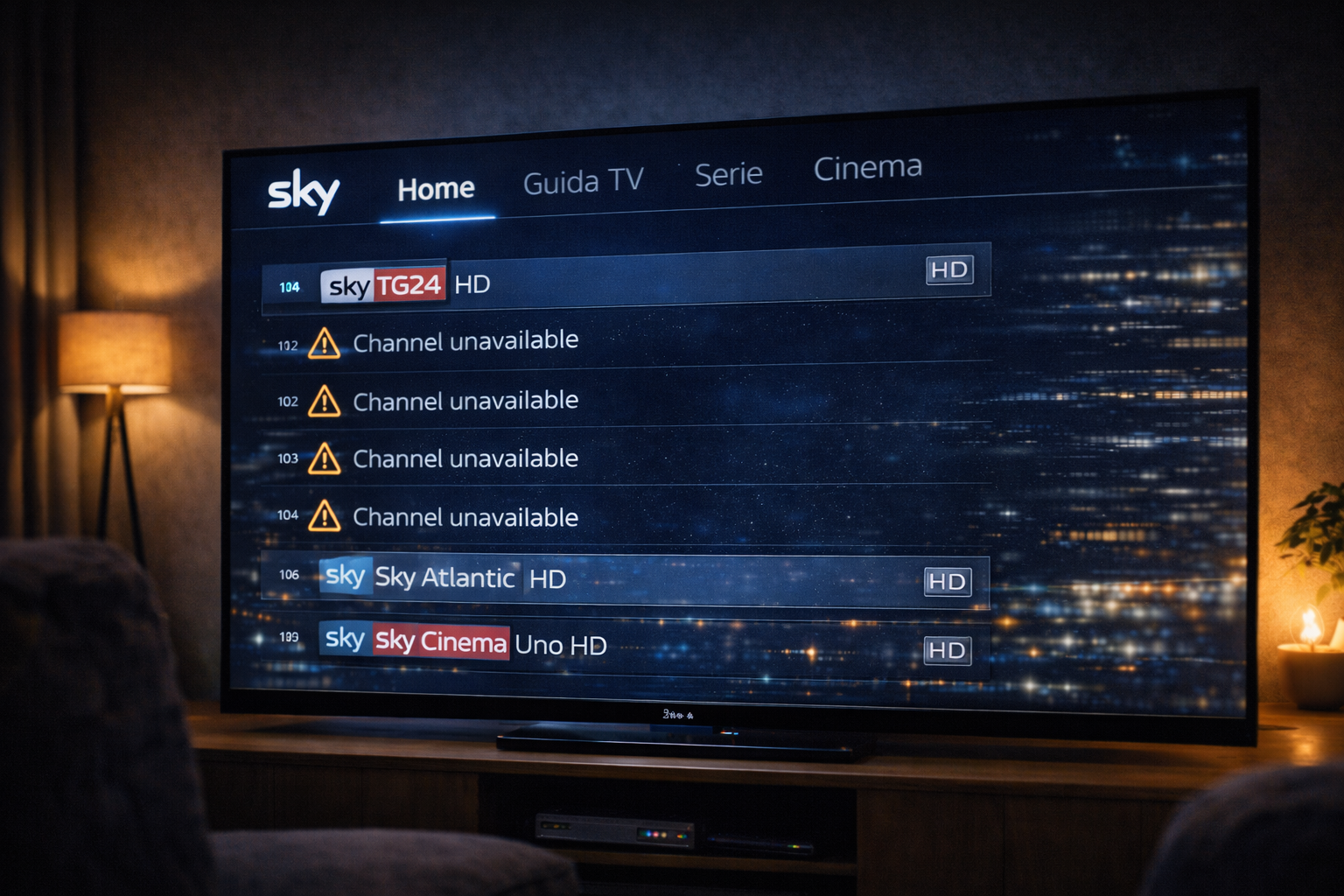
When users say channels disappear, they may be describing different situations. Some channels may not appear in the list at all. Others may appear but fail to load. In some cases, channels are visible but show errors when selected.
Each of these scenarios points to a different technical cause. Missing channels usually indicate a problem with data synchronization or authentication. Channels that fail to load may indicate network or playback issues.
Understanding the exact behavior helps narrow down the cause.
How channels are loaded in the app
The app does not store channels permanently. It retrieves channel lists from servers when needed. This process involves sending requests and receiving updated information.
When the app starts or refreshes, it loads channel data based on your account and location. This data includes channel availability, permissions, and streaming links.
If this process fails or is incomplete, channels may appear missing or unavailable.
Authentication and access issues
Authentication is a key step in channel availability. The system checks whether your account has access to specific channels. If authentication fails, the app may hide or block those channels.
This can happen if the session expires or if there is a delay in verifying account status. Temporary communication issues can also affect authentication.
In these cases, channels may disappear until the session is refreshed.
Network related causes
Network conditions affect how the app communicates with servers. If the connection is unstable, requests may fail or return incomplete data.
This can result in missing channels or loading errors. Even short interruptions can disrupt the process.
Network issues may not affect all channels equally. Some channels may load while others do not, depending on how data is delivered.
App synchronization and data refresh
The app relies on synchronization with server data. If this synchronization fails, the channel list may not update correctly.
This can happen after app updates, network interruptions, or internal errors. The app may display outdated or incomplete information.
Refreshing the app or restarting it can often restore proper synchronization.
Backend updates and service changes
Sometimes channels disappear due to backend updates. The service may update channel availability, change delivery paths, or adjust content access.
During these updates, temporary inconsistencies can occur. Channels may appear unavailable until the system stabilizes.
This is more likely during maintenance periods or large system changes.
Device specific factors
The device also affects how channels are displayed. Memory limitations, app performance, and software compatibility can all play a role.
Older devices may struggle to load updated channel lists. They may display incomplete data or fail to refresh properly.
Different devices can show different results even on the same network, highlighting the importance of device capability.
How to fix the issue step by step
Start by refreshing the app. Close it completely and reopen it. This forces a new request for channel data.
Check your network connection. Ensure it is stable and consistent. Try switching from WiFi to Ethernet if possible.
Restart the device. This clears temporary issues and resets system processes.
Log out and log back in. This refreshes authentication and access permissions.
Check for updates. Ensure the app and device software are current.
Test another device. If channels appear normally on a different device, the issue is likely local.
Observe patterns. If channels disappear during specific times, backend updates or network load may be involved.
| Cause | Technical Effect | Visible Symptom | Fix Action |
|---|---|---|---|
| Authentication issue | Access verification fails | Channels missing | Log out and log in |
| Network instability | Incomplete data requests | Channels not loading | Stabilize connection |
| App sync error | Outdated channel list | Missing channels | Restart app |
| Backend update | Temporary inconsistency | Unavailable channels | Wait and retry |
| Device limitation | Slow refresh process | Incomplete display | Test another device |
Reality Check
Channels disappearing does not always mean the service is down. It often reflects a temporary issue in communication, synchronization, or authentication. These problems are usually localized and can be resolved by addressing the specific cause.
Final Verdict
Sky Italia channels disappear due to a combination of system layers interacting in real time. Authentication, network stability, app synchronization, and device performance all influence channel availability. Understanding these layers helps identify the real cause and apply effective fixes. In streaming systems, channel visibility depends on continuous communication rather than a fixed signal.
FAQ
| Question | Answer |
|---|---|
| Why do Sky Italia channels disappear suddenly | Because of issues in authentication, network communication, or app synchronization. |
| Can network problems cause missing channels | Yes. Unstable connections can prevent channel data from loading correctly. |
| Does restarting the app fix the issue | Often yes. It refreshes channel data and resolves temporary errors. |
| Can devices affect channel availability | Yes. Device performance and compatibility influence how channels are displayed. |
| Is this always a service issue | No. Most cases are related to local network or device conditions. |