The Real Reason Total TV Channels Suddenly Freeze
Estimated reading time: 8 minutes.
- Freezing usually means decoding instability, not total signal loss.
- Signal quality matters more than signal strength.
- BER spikes are one of the most common hidden causes.
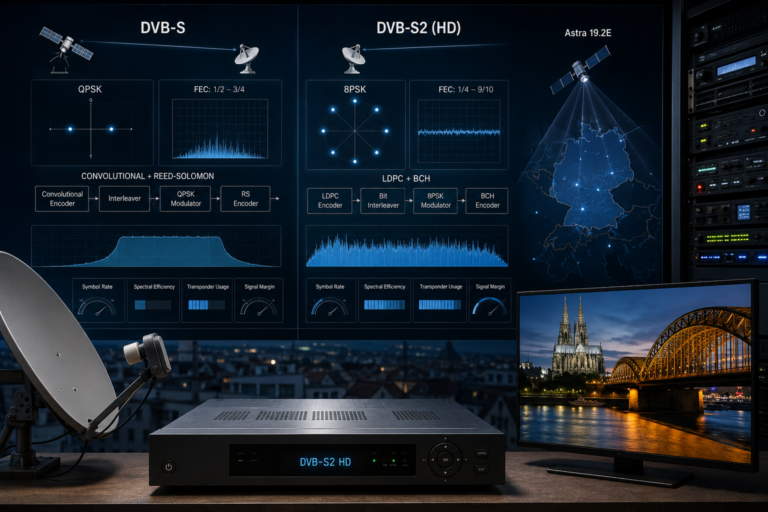
- DVB-S2 HD channels are more sensitive to small quality drops.
- LNB drift and cable losses can create short freezes.
- Receiver synchronization may recover quickly, making the fault look random.
- The real solution is improving signal margin.
- What Freezing Really Means
- Why Signal Quality Matters More Than Strength
- BER Spikes And Short Picture Freezes
- Signal Margin And Threshold Failure
- LNB Drift And Frequency Stability
- Receiver Synchronization And Buffer Recovery
- Environmental Triggers
- Technical Comparison Table
- How To Stop Total TV Channels From Freezing
- Reality Check
- Final Verdict
- FAQ
What Freezing Really Means
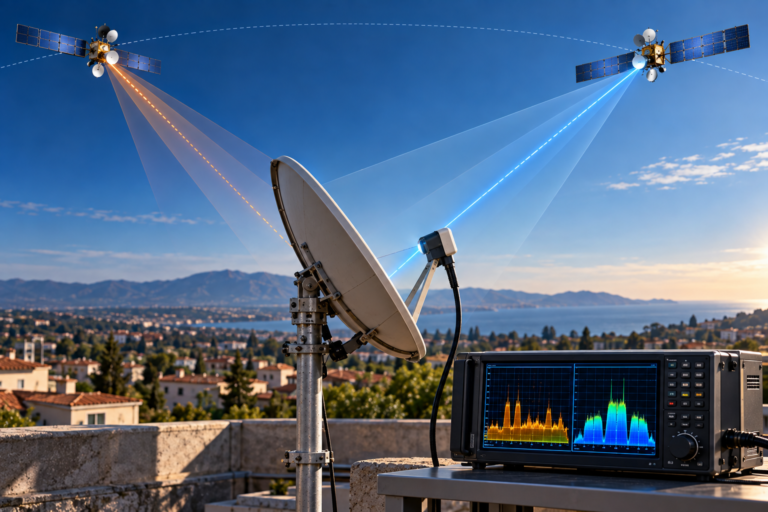
When a Total TV channel freezes, the receiver is not always losing the satellite signal completely.
In many cases, the tuner still detects signal power from the dish. The problem is that the receiver cannot rebuild the digital video stream smoothly for a short moment.
Satellite TV is transmitted as digital packets. The receiver collects those packets, corrects errors, rebuilds the transport stream, then sends video and audio to the screen.
If too many packets arrive damaged within a short period, the receiver cannot create a complete frame. The picture freezes until enough valid data arrives again.
This is why the freeze may last only a few seconds. The receiver recovers, locks again, and playback continues.
Why Signal Quality Matters More Than Strength
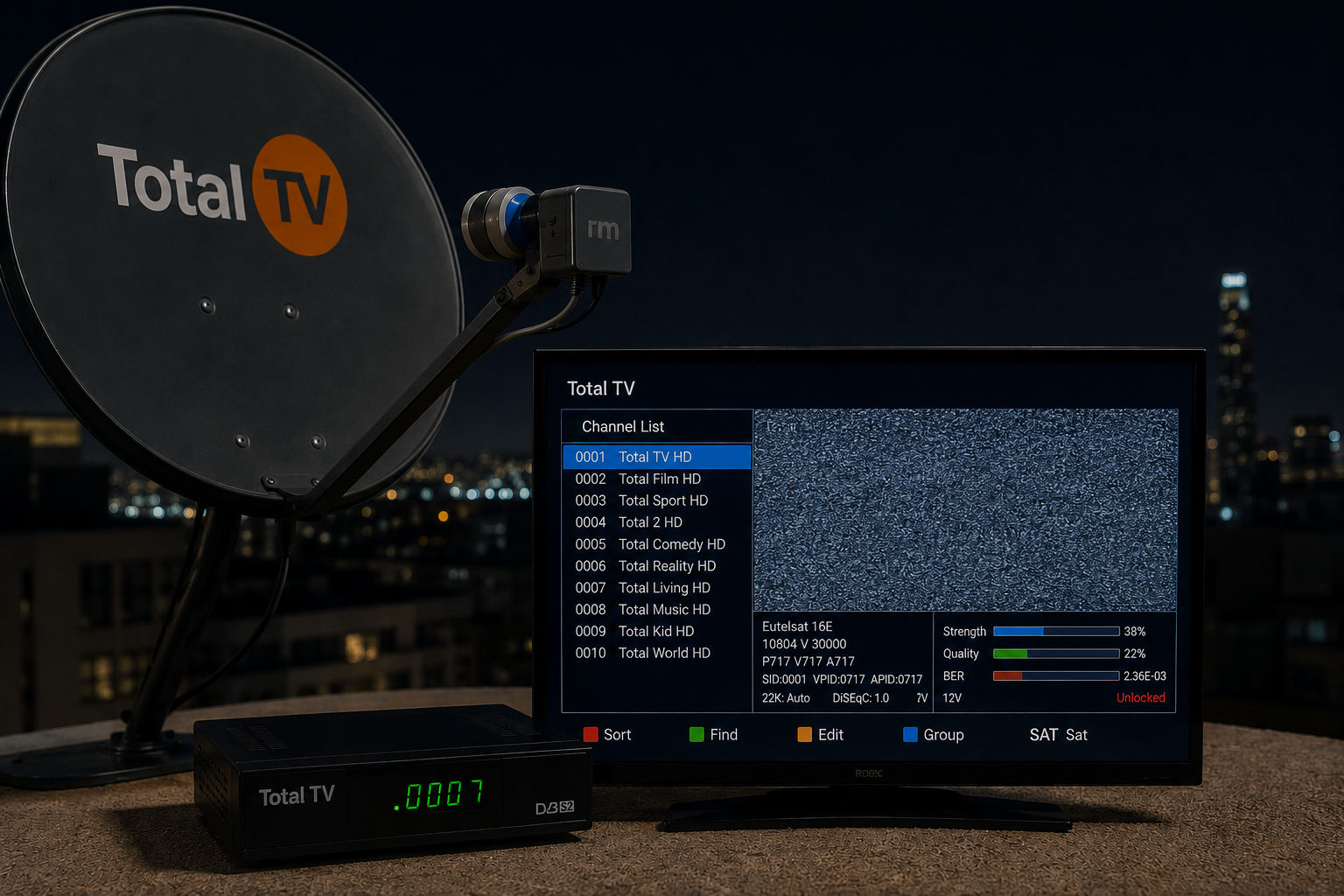
Many viewers check the signal strength meter and see a strong reading. That creates confusion because the channel still freezes.
Signal strength only means RF energy is reaching the receiver. It does not prove that the signal is clean enough for stable decoding.
Signal quality is the important measurement. Quality reflects how usable the signal is after noise, interference, alignment errors, LNB drift, and cable losses are considered.
A receiver can show strong signal strength while signal quality is close to the decoding threshold. In that situation, the channel may work most of the time, then freeze whenever quality drops slightly.
BER Spikes And Short Picture Freezes
BER means Bit Error Rate. It describes how many errors are present in the digital signal.
A low BER means the receiver can correct errors easily. A high BER means too many bits are arriving incorrectly.
Short freezes often happen when BER rises suddenly for a few seconds. The receiver may still have signal, but the stream becomes temporarily too damaged to decode smoothly.
This can be caused by weak alignment, LNB instability, bad connectors, moisture in the cable, local interference, or weather-related attenuation.
The viewer only sees the final symptom: a frozen picture. The technical cause is usually a short burst of uncorrectable errors.
Signal Margin And Threshold Failure
Signal margin is the reserve between your current signal quality and the minimum quality needed for stable decoding.
A strong installation has enough margin to handle small changes. A weak installation works only when conditions are perfect.
If the system has very little margin, even a small change can cause freezing. A slight movement in the dish, a hot LNB, a weak cable connection, or light rain can push the signal below the receiver’s comfort zone.
This is why some Total TV setups work normally for hours, then suddenly freeze without warning. The system is not truly stable. It is operating close to the edge.
LNB Drift And Frequency Stability
The LNB receives the reflected signal from the dish and converts it into a lower frequency that the receiver can process.
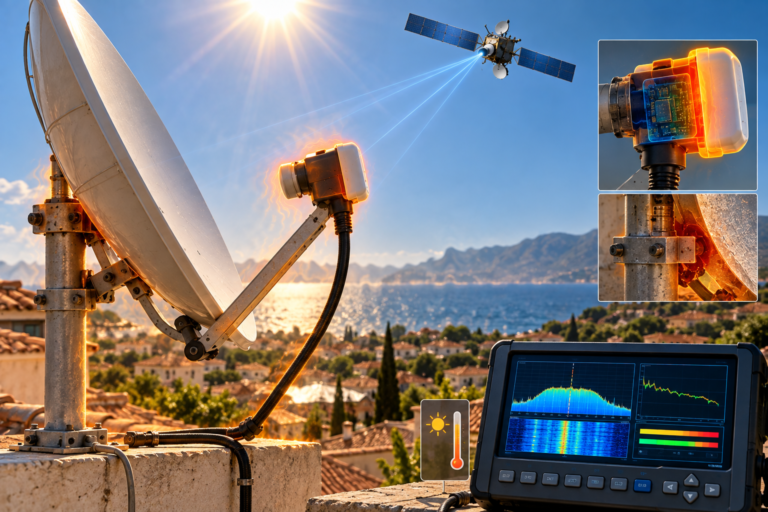
If the LNB is old, cheap, overheated, or slightly unstable, it may introduce frequency drift. The receiver then has to work harder to stay locked.
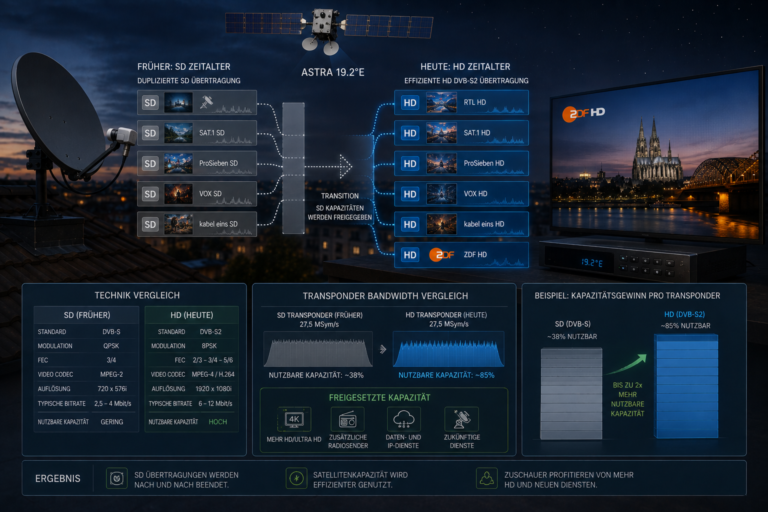
HD channels are often more sensitive to this problem because they usually rely on DVB-S2 transmission and need cleaner synchronization.
A weak LNB can cause short freezes even when the dish appears correctly aligned. The problem is not always the amount of signal. It can be the stability of the converted signal reaching the receiver.
Receiver Synchronization And Buffer Recovery
A satellite receiver constantly synchronizes with the incoming transport stream.
When conditions are clean, synchronization is stable and playback is smooth. When errors increase, the receiver may lose timing for a short moment.
The internal buffer tries to keep playback continuous, but if the damaged data lasts too long, the video freezes.
Once the receiver collects enough clean packets again, it recovers and playback resumes.
This is why sudden freezing can look like a receiver problem. Sometimes the receiver is only reacting to poor signal quality. Replacing the receiver may not solve the issue if alignment, LNB, or cable quality remains weak.
Environmental Triggers
Total TV freezing may become worse at certain times of day or during specific weather conditions.
Heat can affect LNB stability. Rain can reduce signal margin. Humidity can make weak reception more sensitive. Household electrical noise may also affect poorly shielded cables.
These effects do not usually damage a strong installation. But if the system is already marginal, they can trigger visible freezing.
That is why the same channel may be stable late at night but freeze during the evening, or work in clear weather but break during light rain.
Technical Comparison Table
| Cause | What Happens Technically | Viewer Symptom |
|---|---|---|
| Low signal quality | Receiver struggles to decode clean packets | Picture freezes or pixelates |
| BER spike | Error correction becomes overloaded | Short freeze then recovery |
| Weak signal margin | Small changes push signal below threshold | Random freezing |
| LNB drift | Frequency conversion becomes unstable | HD channels freeze first |
| Bad cable or connector | Noise or loss enters the signal path | Intermittent freezing |
| Receiver synchronization loss | Transport stream timing breaks briefly | Audio and video pause |
How To Stop Total TV Channels From Freezing
Start with signal quality. Do not rely on strength alone. If your receiver shows quality fluctuations, that is the first clue.
Fine-tune dish alignment using the most sensitive Total TV channels, not the strongest ones. The difficult channels reveal margin problems faster.
Check LNB skew carefully. Incorrect skew can reduce polarization separation and increase BER on certain transponders.
Inspect outdoor connectors for moisture, rust, or loose fitting. Even a small connector issue can create short error bursts.
If the LNB is old or low quality, replace it with a stable low-noise model. Also avoid unnecessary splitters, weak switches, or long poor-quality cable runs.
Finally, keep the receiver firmware updated. Firmware cannot fix a weak signal path, but it can improve how the receiver handles synchronization and recovery.
Total TV freezing is usually not random. It is often the visible result of short decoding failure caused by BER spikes, weak signal quality, low signal margin, LNB instability, or cable problems. The signal may still be present, but it is not clean enough for smooth playback during that moment.
The real reason Total TV channels suddenly freeze is that the receiver temporarily loses clean decoding conditions. Strong signal strength does not guarantee stable video. What matters most is signal quality, low BER, stable LNB behavior, accurate alignment, and enough signal margin. Once the system has enough reserve, the same channels can remain stable throughout the day instead of freezing unpredictably.
FAQ
| Question | Answer |
|---|---|
| Why does Total TV freeze even when signal strength is high? | Because signal strength does not guarantee clean signal quality or low BER. |
| What is the most common cause of short freezes? | BER spikes and temporary decoding instability are common causes. |
| Can a bad LNB cause freezing? | Yes. LNB drift or noise can make HD channels unstable. |
| Why do HD channels freeze first? | HD channels often use more demanding DVB-S2 settings and need cleaner signal. |
| Can cables cause random freezing? | Yes. Moisture, poor shielding, and weak connectors can create intermittent errors. |
| What should I fix first? | Start with dish alignment, signal quality, LNB skew, connectors, and cable condition. |