How Sky Italia Works Over Internet What Most Users Do Not Understand
Estimated reading time: 9 to 11 minutes.
Many users think Sky Italia streaming works like traditional TV, where channels are simply broadcast and received. But when content is delivered over the internet, the process becomes much more dynamic. What you see on the screen is not a continuous signal. It is a carefully timed sequence of data requests, downloads, buffering, decoding, and playback.
This difference is exactly why some users experience smooth playback while others face lag, buffering, or sudden drops, even on similar internet speeds. To understand how to fix problems, you first need to understand how the system actually works. Once the internal logic becomes clear, many common issues stop feeling random and start making technical sense.
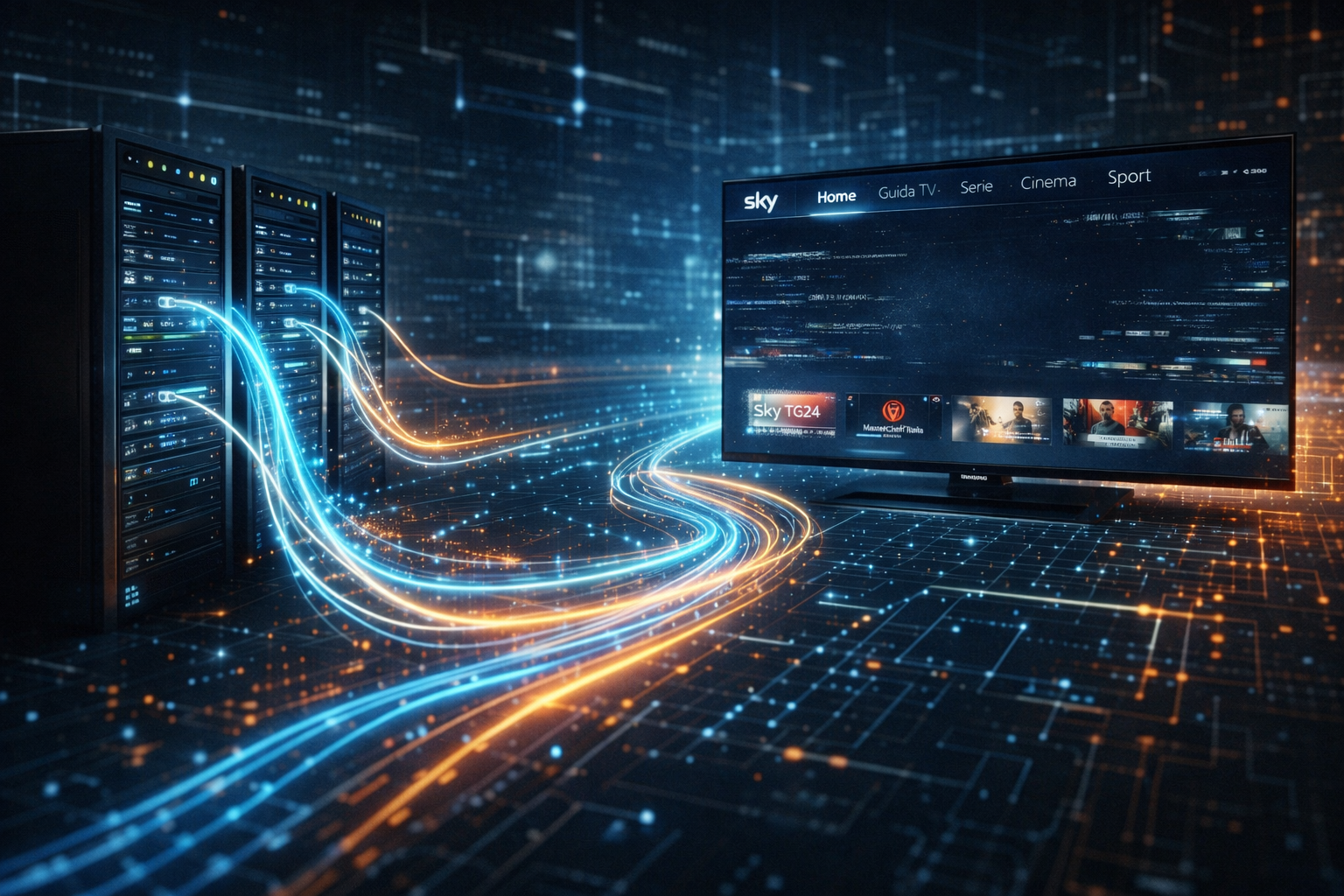
Quick Context. Sky Italia over the internet uses adaptive streaming, where video is split into small segments delivered from servers to your device. The app requests data continuously, stores it in a buffer, and adjusts quality based on network conditions and device performance.
Table of Contents
The basic idea behind internet streaming
How Sky Italia delivers video step by step
What adaptive streaming really means
How your network affects streaming behavior
Signal reception vs internet delivery
How devices process streaming data
The basic idea behind internet streaming
Unlike satellite broadcasting, internet streaming does not send one continuous signal to all viewers at once. Instead, each device creates its own connection and requests video data from servers. This means your viewing experience is shaped not only by the source content, but also by your connection, your device, and the timing of data delivery.
The video you watch is divided into many small segments. Each segment represents a short part of the stream, often just a few seconds. Your device requests these segments one after another, stores them briefly in memory, and plays them in order. This process happens continuously while you watch.
If one segment arrives late or not at all, playback can pause, buffer, or fail. That is why streaming systems depend heavily on timing stability. The system must keep receiving data at a consistent pace, not just a fast one.
How Sky Italia delivers video step by step
Sky Italia prepares its content by encoding it into multiple quality levels. These versions are then distributed across network infrastructure designed to serve many users at once. When your device opens a channel, it does not receive everything at once. It starts by requesting a list of available stream qualities and segment locations.
The app then begins downloading segments in a chosen quality level. These segments are stored in a small playback buffer. The buffer acts as a safety layer, allowing playback to continue smoothly even if the network briefly slows down.
At the same time, the device monitors how fast data is arriving. If the connection becomes slower, the app may switch to a lower quality stream to avoid interruption. If the connection improves, it may increase quality again. This process happens automatically and constantly.
All of this occurs in the background. From the user perspective, it looks like a simple video stream. In reality, it is a continuous exchange of requests and responses between your device and multiple servers.
What adaptive streaming really means
Adaptive streaming is one of the most important concepts to understand. It means the video quality is not fixed. Instead, it adjusts based on real-time network conditions. If your connection is stable, the system delivers higher quality segments. If conditions worsen, it lowers quality to maintain playback continuity.
This is why you may see quality change during playback. The system is trying to balance two priorities. Smooth playback and visual clarity. In many cases, it prefers stability over maximum resolution, because interruptions are more disruptive than reduced sharpness.
Users often misunderstand this behavior. They expect full quality at all times if their internet speed is high. But streaming does not rely only on peak speed. It depends on consistent delivery over time. Even short fluctuations can trigger a quality adjustment.
How your network affects streaming behavior
Your home network plays a major role in how streaming performs. A connection can appear fast in general tests but still behave poorly for continuous video delivery. This happens when latency fluctuates, packets are delayed, or WiFi conditions change rapidly.
WiFi is especially sensitive. Walls, distance, interference from other devices, and network congestion can all affect stability. Even if the router is strong, the path between the router and the device may not be consistent. This leads to interruptions that may not show up in simple speed tests.
Ethernet connections are usually more stable because they remove wireless variability. That does not mean Ethernet is always required, but it highlights how important consistency is for streaming systems.
Signal reception vs internet delivery
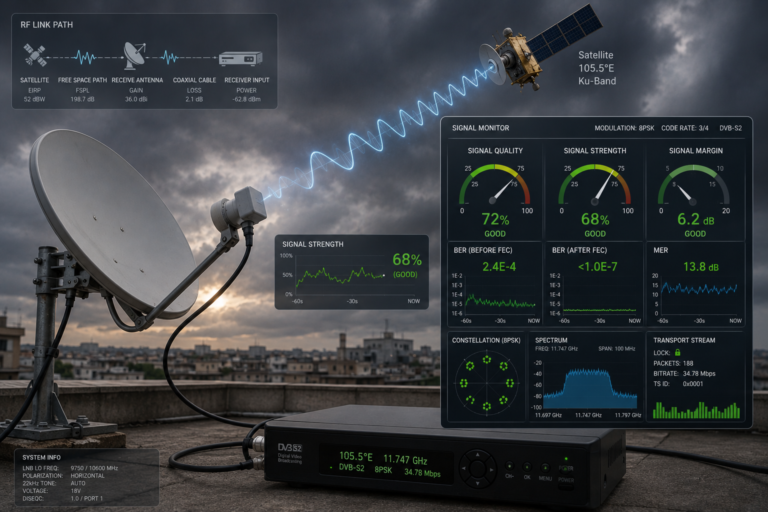
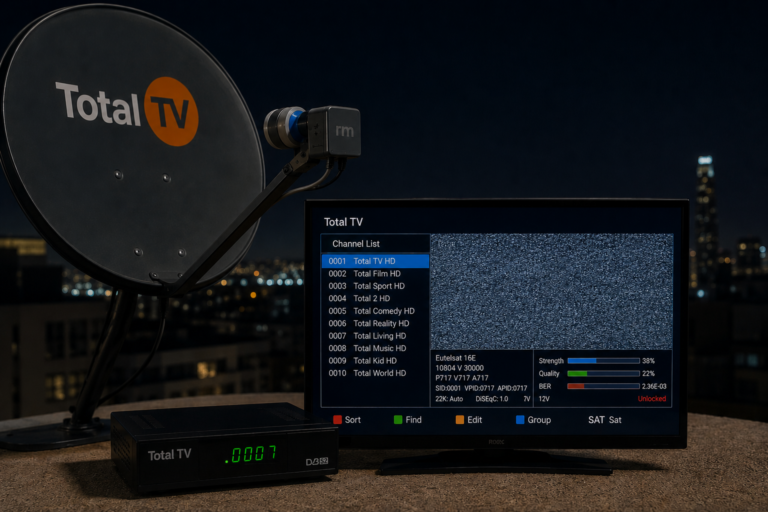
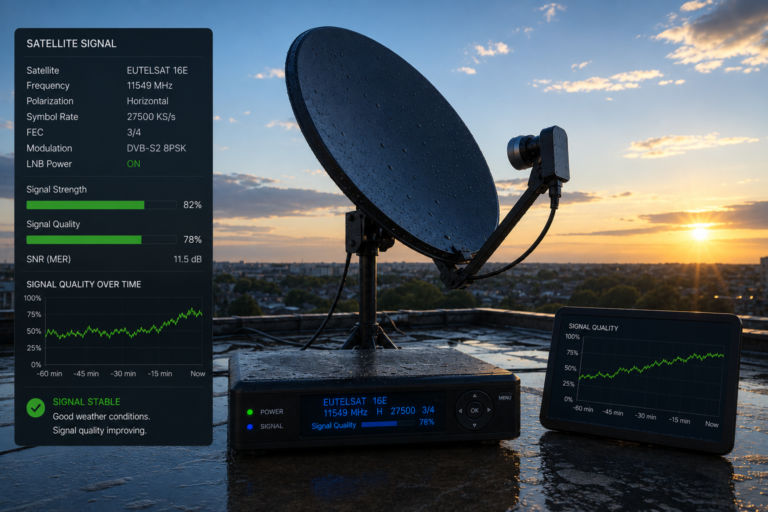
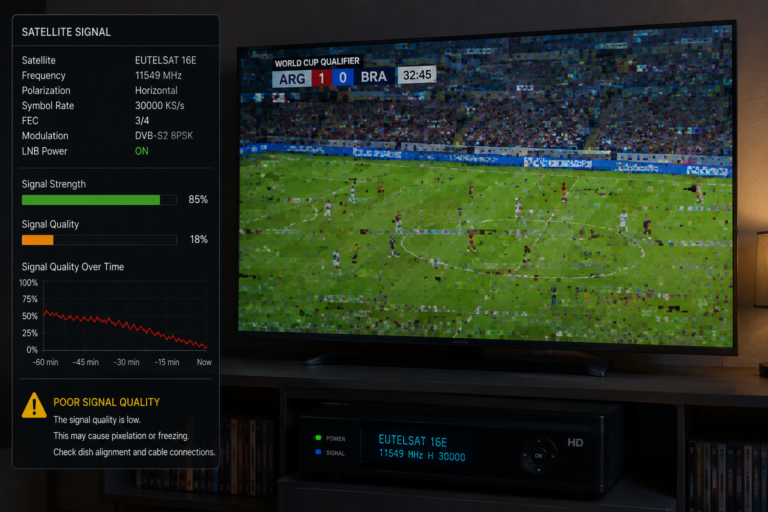
Satellite systems rely on physical signal reception. A dish captures a radio signal from a satellite, the LNB converts it, and the receiver processes it. If alignment is correct and the signal is strong, the channel works. Problems are usually tied to weather, alignment, or hardware.
Internet delivery works differently. There is no single signal to lock onto. Instead, data travels through multiple network paths before reaching your device. Each part of that path can introduce delay or instability. That is why streaming problems can appear even when there is no obvious physical issue.
This difference is important for troubleshooting. Improving dish alignment will not fix a streaming issue. Likewise, increasing internet speed will not fix a device decoding limitation. Each system has its own logic.
How devices process streaming data
Once data reaches your device, another layer of processing begins. The device must decode compressed video, manage buffer memory, synchronize audio and video, and display frames at the correct timing. This requires processing power and efficient software.
Older devices may struggle with modern streaming formats. They may support playback in general, but under pressure, they can fail to maintain stable decoding. This results in stutter, freeze, or app crashes. The internet may still be working correctly, but the device cannot keep up with the incoming data.
App design also matters. Some apps handle buffering and error recovery better than others. Differences in software optimization can lead to noticeable performance differences between devices.
Common misunderstandings users have
One common misunderstanding is that high internet speed guarantees smooth streaming. In reality, consistency matters more than peak speed. A stable moderate connection often performs better than a fast but unstable one.
Another misunderstanding is that buffering always means the service is down. Often, buffering is a local issue related to network behavior or device processing. The service itself may still be functioning normally.
Some users also assume that all devices behave the same. In practice, different devices handle streaming very differently. Hardware capability, software updates, and thermal performance all influence playback stability.
Finally, many users treat all interruptions as identical. But as explained earlier, different symptoms point to different causes. Identifying the exact behavior helps narrow down the real issue.
| Component | Role in Streaming | Common Issue | Result on Screen |
|---|---|---|---|
| Server delivery | Provides video segments | High demand or delay | Buffering or delayed start |
| Network path | Transfers data to device | Instability or packet delay | Freezing or interruptions |
| WiFi connection | Wireless data transmission | Interference or congestion | Random buffering |
| Device hardware | Decodes and renders video | Low processing power | Lag or app crashes |
| Streaming app | Manages playback and buffering | Software bugs or memory issues | Playback errors or restarts |
Reality Check
Most streaming issues are not caused by a single failure point. They are the result of interaction between network conditions, device performance, and streaming logic. Focusing on one factor alone often leads to incomplete solutions. A stable experience requires all parts of the system to work together consistently.
Final Verdict
Sky Italia over the internet is a complex system built on adaptive streaming, real-time data delivery, and device-side processing. What users see as simple playback is actually a continuous technical process involving multiple layers. Understanding how these layers interact helps explain why problems happen and how to fix them more effectively. In streaming, the key is not just speed, but stability, timing, and balance across the entire system.
FAQ
| Question | Answer |
|---|---|
| Does Sky Italia use satellite when streaming over internet | No. When using internet streaming, content is delivered as data over IP networks instead of satellite signals. |
| Why does video quality change during playback | Because adaptive streaming adjusts quality based on real-time network conditions to maintain smooth playback. |
| Is fast internet enough for stable streaming | No. Stability and consistent delivery are more important than peak speed. |
| Why does buffering happen randomly | Random buffering often comes from network fluctuations, WiFi instability, or device performance issues. |
| Can the device affect streaming quality | Yes. Device processing power, memory, and software optimization all influence playback performance. |