Why Netflix Streams Lag On Older Smart TVs
Estimated reading time: 18 to 24 minutes.
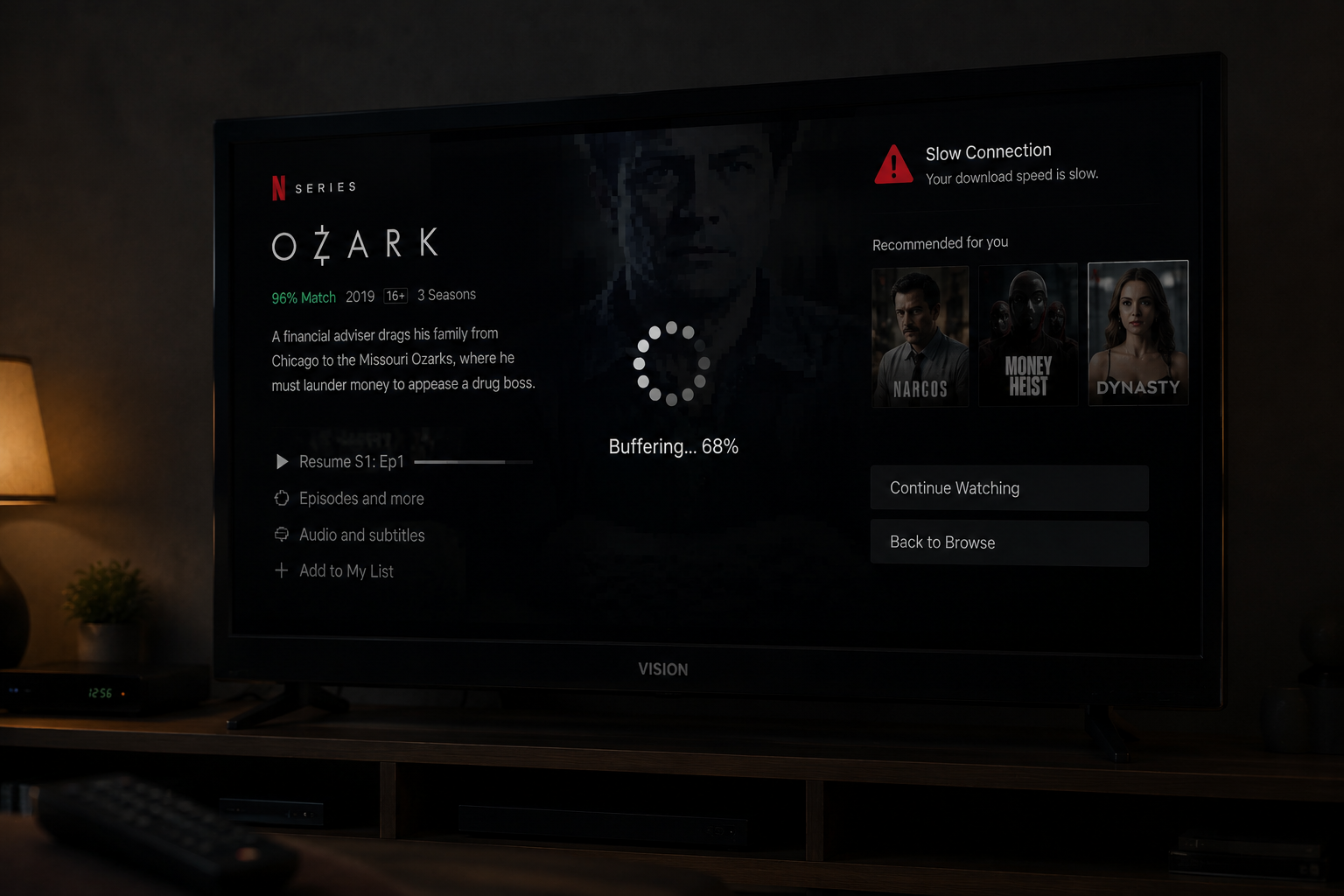
Many people assume Netflix lag is always caused by internet problems. But sometimes the internet is perfectly fine while the smart TV itself struggles to keep up. Menus become slow, playback pauses randomly, buffering appears more often, and the entire streaming experience feels heavier over time.
This happens because older smart TVs were not designed for the complexity of modern streaming systems. Netflix today uses more advanced codecs, heavier interfaces, higher bitrate video, HDR processing, and more demanding streaming logic than older hardware can comfortably handle.
Quick Context. Older smart TVs often lag on Netflix because their processors, memory systems, decoding hardware, and wireless components struggle with modern streaming workloads.
Table of Contents
Why lag is not always caused by internet speed
How modern streaming became more demanding
Weak processors inside older TVs
RAM limitations and memory pressure
Video decoding complexity explained
Why 4K HDR overwhelms older TVs
Netflix app evolution over time
Slow internal storage and caching problems
Weak WiFi hardware inside older TVs
Thermal throttling and overheating
Adaptive streaming pressure on old hardware
Frame drops and motion instability
Why lag is not always caused by internet speed
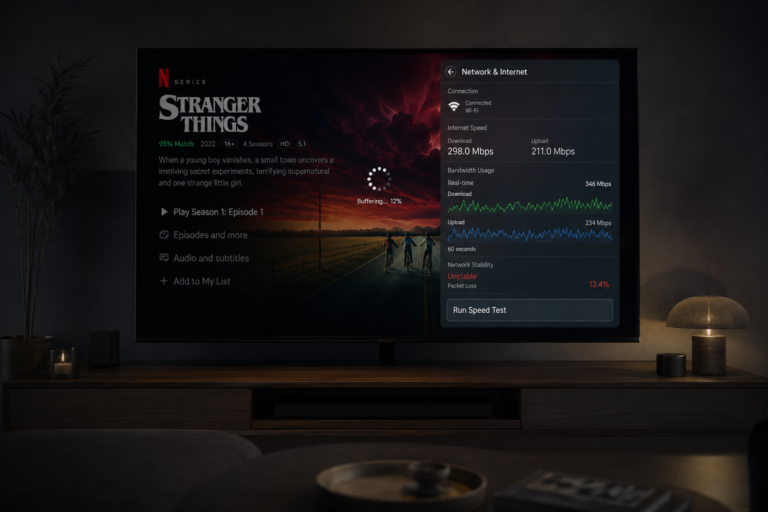
One of the biggest misconceptions about Netflix lag is that faster internet automatically solves everything.
In reality, streaming depends on two major systems:
- The network
- The playback device
Even with excellent internet, an older TV may struggle to:
- Decode video quickly enough
- Manage memory efficiently
- Handle modern interfaces
- Maintain stable playback timing
This creates lag that feels like a network problem even when the internet is stable.
How modern streaming became more demanding
Streaming systems today are far more advanced than they were years ago.
Modern Netflix streaming includes:
- Adaptive bitrate logic
- HDR processing
- 4K decoding
- Complex compression systems
- Interactive interfaces
- Background recommendations
Older TVs were designed for simpler workloads.
As Netflix evolved, hardware requirements increased dramatically.
This gradual evolution makes older TVs feel slower every year.
Weak processors inside older TVs
Smart TVs contain processors just like phones and computers.
Older TVs often use low power processors designed for lightweight interfaces and simple playback tasks.
Modern Netflix playback now requires significantly more processing power.
The processor must handle:
- Video decoding
- Menu rendering
- Network management
- Buffer calculations
- Motion processing
When the processor becomes overloaded:
- Menus lag
- Playback stutters
- Frames drop
- The app feels sluggish
The TV simply cannot keep up with the workload.
RAM limitations and memory pressure
Many older smart TVs contain very limited RAM.
Modern streaming apps consume far more memory than older systems expected.
As memory pressure increases:
- Apps become unstable
- Caching slows down
- Playback timing suffers
- System responsiveness decreases
Memory fragmentation also becomes worse over time.
This is why restarting an older TV sometimes temporarily improves Netflix performance.
The system clears memory pressure for a short period.
Video decoding complexity explained
Netflix video must be decoded in real time.
Decoding is computationally expensive.
Modern codecs compress video heavily to reduce bandwidth usage.
But stronger compression creates more decoding work for the TV.
Older hardware often struggles with:
- HEVC decoding
- 4K streams
- HDR video
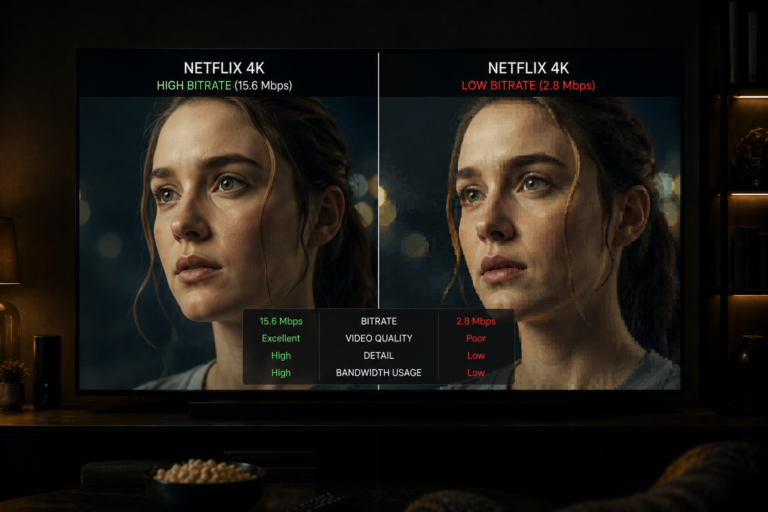
- High bitrate scenes
When decoding falls behind:
- Frames arrive late
- Playback stutters
- Motion becomes unstable
This appears as lag.
Why 4K HDR overwhelms older TVs
4K HDR streaming dramatically increases hardware demand.
Compared to standard HD playback, 4K HDR requires:
- More decoding power
- Higher memory bandwidth
- More advanced video processing
- Better thermal handling
Older TVs often technically support 4K playback but cannot sustain it efficiently.
This creates:
- Interface lag
- Playback instability
- Buffering
- Frame drops
The hardware becomes overwhelmed under sustained streaming load.
Netflix app evolution over time
The Netflix app itself becomes heavier every year.
Modern versions include:
- Animated interfaces
- Advanced recommendations
- Dynamic previews
- Cloud synchronization
- Personalized content systems
Older TVs struggle to run these modern app layers smoothly.
What once felt fast gradually becomes sluggish as software complexity increases.
Slow internal storage and caching problems
Older TVs often contain slow internal storage systems.
Streaming apps constantly:
- Write cache data
- Store temporary files
- Load interface assets
Slow storage increases:
- App startup time
- Menu lag
- Playback delay
- Buffering instability
This creates the feeling that Netflix has become heavier over time.
Weak WiFi hardware inside older TVs
Many older TVs use outdated wireless hardware.
Older WiFi systems often lack:
- Modern antennas
- Efficient signal handling
- Advanced wireless standards
- Strong interference management
This creates:
- Packet instability
- Higher jitter
- Weaker bandwidth consistency
Streaming systems react poorly to unstable wireless timing.
Lag becomes more common.
Thermal throttling and overheating
Older smart TVs often contain weaker cooling systems.
Long Netflix sessions generate heat.
As temperature rises:
- Processor speed decreases
- Decoding slows down
- Playback timing suffers
This process is called thermal throttling.
Users often notice Netflix performance becoming worse during long viewing sessions.
The hardware is protecting itself from overheating.
Background system processes
Smart TVs constantly run background tasks.
Examples include:
- System monitoring
- Voice assistant services
- App synchronization
- Network maintenance
- Advertising systems
Older hardware has limited resources.
Background tasks compete with Netflix playback for processing power and memory.
This increases lag and instability.
Adaptive streaming pressure on old hardware
Netflix adaptive streaming systems constantly adjust quality dynamically.
The TV must continuously react to:
- Bitrate changes
- Resolution shifts
- Buffer calculations
- Network fluctuations
Older hardware struggles to manage these real time adjustments efficiently.
This creates:
- Playback pauses
- Quality fluctuations
- Delayed response
- General sluggishness
Frame drops and motion instability
Action scenes are especially difficult for older TVs.
Fast motion requires:
- Rapid decoding
- Stable frame delivery
- Efficient memory handling
When the hardware falls behind:
- Frames drop
- Motion becomes uneven
- The image appears to stutter
Users interpret this as Netflix lag.
But the real issue is decoding pressure exceeding hardware capability.
Why lag becomes worse at night
Evening hours increase pressure on the entire streaming chain.
At night:
- WiFi congestion increases
- Network stability decreases
- Streaming traffic rises
- Adaptive bitrate changes become more aggressive
Older TVs struggle more under unstable conditions.
Modern devices adapt better.
This is why older smart TVs often feel dramatically slower during peak evening hours.
A real world lag example
Imagine a seven year old smart TV streaming Netflix over WiFi during the evening.
The TV must simultaneously:
- Decode 4K HDR video
- Maintain WiFi connectivity
- Process Netflix menus
- Handle adaptive bitrate changes
- Manage limited memory
At the same time:
- WiFi interference increases
- Processor temperature rises
- Background tasks continue running
Eventually:
- Menus become sluggish
- Playback stutters
- Frames drop
- Lag appears everywhere
The internet may still be perfectly fast.
The TV itself has become the bottleneck.
| Factor | Technical Effect | Visible Result |
|---|---|---|
| Weak CPU | Slow processing | Menu lag |
| Low RAM | Memory pressure | App instability |
| Heavy decoding load | Frame delays | Playback stutter |
| Weak WiFi hardware | Signal instability | Buffering |
| Thermal throttling | Reduced performance | Slower playback |
| Slow storage | Delayed loading | Interface sluggishness |
| Adaptive streaming pressure | Constant system adjustments | Overall lag |
Reality Check
Netflix lag on older smart TVs is usually caused by hardware limitations rather than internet speed alone. Modern streaming systems demand far more processing power, memory, and decoding capability than many older TVs were designed to handle.
Final Verdict
Older smart TVs struggle with Netflix because modern streaming workloads have become far more demanding over time. Weak processors, limited RAM, outdated WiFi hardware, decoding pressure, thermal throttling, and heavy app interfaces all combine to create lag and playback instability. The issue is rarely one single problem. It is the result of older hardware trying to manage modern streaming complexity beyond its original design limits.
FAQ
| Question | Answer |
|---|---|
| Why does Netflix lag on older TVs | Because older hardware struggles with modern streaming workloads |
| Can fast internet still lag on old TVs | Yes because device performance matters as much as network speed |
| Does 4K streaming stress older TVs | Yes significantly because decoding demand increases heavily |
| Why do menus become slow on old smart TVs | Because processors and memory systems become overloaded |
| Can Ethernet improve lag on old TVs | Yes because stable wired delivery reduces network instability |