Why Netflix Buffers Even With Fast Internet
Estimated reading time: 18 to 22 minutes.
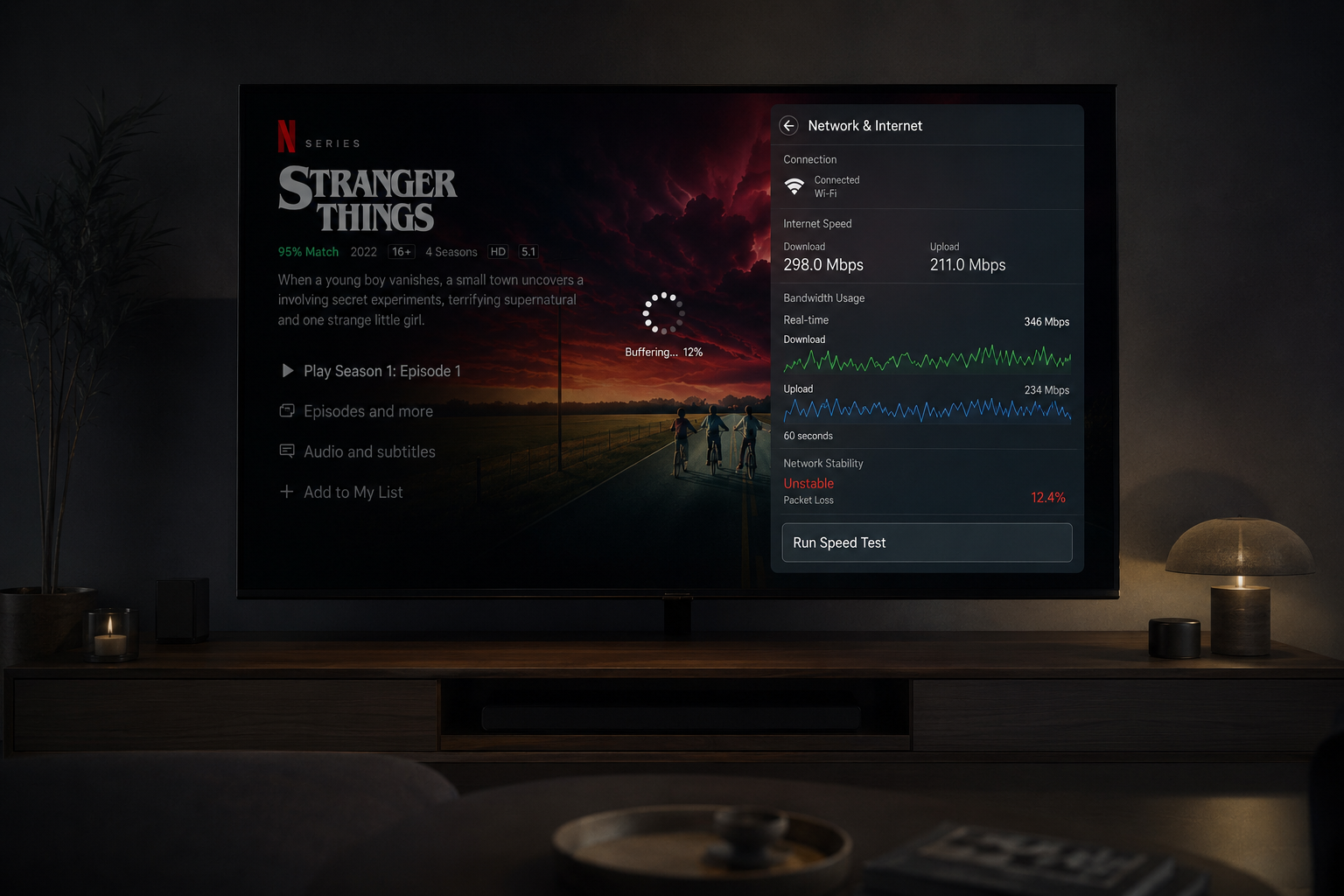
You run a speed test and see 300 Mbps or even 500 Mbps. Everything looks perfect. Then you open Netflix and suddenly the video buffers, quality drops, or playback pauses for no obvious reason. This confuses many users because fast internet should theoretically prevent buffering.
But streaming does not work the same way as downloads or speed tests. Netflix depends on continuous, stable, precisely timed data delivery. The real issue is usually not speed itself. It is the behavior of the network over time.
Quick Context. Netflix buffers on fast internet because streaming depends more on stability, latency consistency, packet timing, and uninterrupted data flow than raw download speed.
Table of Contents
The biggest misunderstanding about internet speed
Why streaming is different from downloading
Streaming needs continuous delivery
Why stability matters more than speed
Jitter and inconsistent packet timing
Packet loss and retransmission
Why WiFi often causes buffering
Peak hour congestion explained
The biggest misunderstanding about internet speed
Most people think internet quality can be reduced to one number.
They run a speed test, see a high result, and assume streaming should always work perfectly.
But speed tests measure maximum transfer capability under ideal conditions.
Streaming behaves differently.
Netflix does not care only about how fast data can move in short bursts.
It cares about whether data arrives:
- Continuously
- Consistently
- In order
- Without interruptions
- With stable timing
This is why someone with slower but stable internet can sometimes experience smoother streaming than someone with much faster but unstable internet.
Why streaming is different from downloading
Downloads and streaming are fundamentally different activities.
Downloads are burst based.
The system grabs as much data as possible, as quickly as possible.
If speed fluctuates briefly, downloads continue without major issues.
Streaming is real time.
Netflix continuously feeds video data to your device while playback happens simultaneously.
The stream cannot stop waiting for large corrections.
The system depends on stable timing.
This changes everything.
Streaming needs continuous delivery
Netflix divides video into small segments.
Your device continuously requests these segments from Netflix servers.
The player consumes them in real time.
If new segments stop arriving smoothly, playback becomes unstable.
This is why continuous delivery matters more than peak speed.
You can think of streaming like a flowing river.
The system needs a constant stream of water.
Large waves followed by gaps do not help.
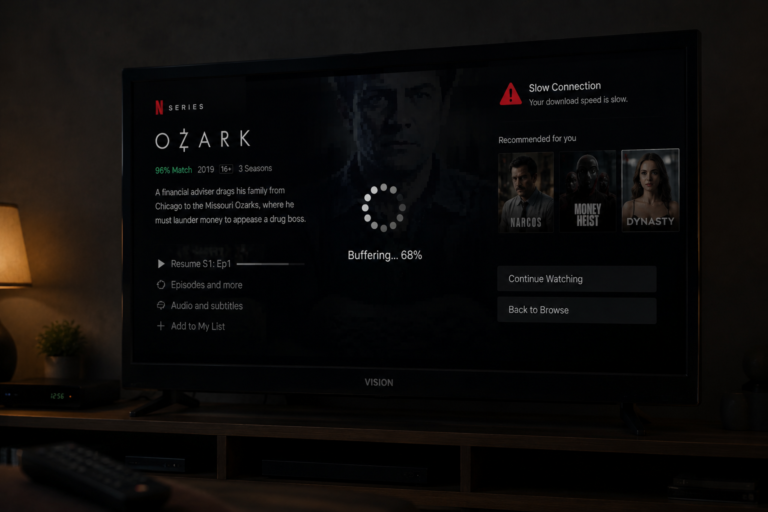
What buffering actually means
Buffering is often misunderstood.
It is not necessarily a sign of slow internet.
The buffer is a temporary storage area where Netflix stores video data before playback.
This protects playback from small fluctuations.
When data arrives slower than the player consumes it, the buffer shrinks.
If the buffer empties completely, playback pauses.
This pause is buffering.
Buffering is basically the system waiting for enough new data to continue safely.
Why stability matters more than speed
Stability is the hidden foundation of streaming quality.
A stable connection delivers data evenly over time.
An unstable connection delivers data inconsistently.
This inconsistency creates:
- Buffering
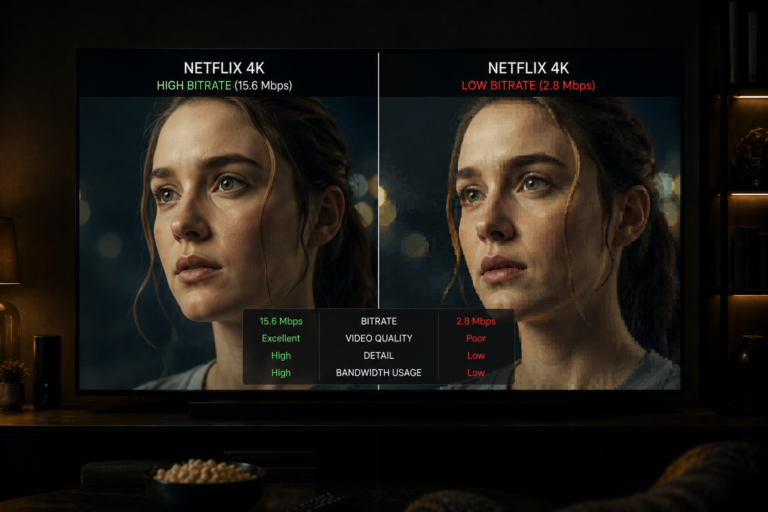
- Bitrate drops
- Playback pauses
- Quality fluctuations
Netflix reacts aggressively to instability because it prioritizes uninterrupted playback.
This means even brief instability can trigger quality reduction or buffering.
Latency and timing problems
Latency measures how long data takes to travel across the network.
But raw latency is not the biggest issue.
The bigger issue is latency consistency.
If latency constantly changes:
- Packet timing becomes irregular
- Segment delivery becomes unstable
- The player struggles to predict incoming data
This increases buffering risk.
Streaming systems depend heavily on predictable timing.
Jitter and inconsistent packet timing
Jitter refers to variations in packet arrival timing.
Even if average speed is excellent, high jitter creates streaming instability.
Imagine video packets arriving like this:
- Fast
- Fast
- Slow
- Fast
- Very slow
This irregular pattern confuses the playback system.
Netflix may reduce quality or trigger buffering to stabilize playback.
Most users never see jitter directly, but they experience its effects constantly.
Packet loss and retransmission
Packet loss is another hidden cause of buffering.
Sometimes data packets simply disappear before reaching your device.
When this happens, the system requests retransmission.
This creates delays.
Enough packet loss causes:
- Playback pauses
- Quality reduction
- Buffering loops
- Sudden freezes
Even small amounts of packet loss can destabilize streaming.
Why WiFi often causes buffering
WiFi is one of the biggest hidden causes of Netflix buffering.
Not because WiFi is slow.
Because WiFi is inconsistent.
WiFi suffers from:
- Interference
- Signal reflection
- Congestion
- Wall absorption
- Channel overlap
- Microwave interference
- Bluetooth interference
Your signal may appear strong while still experiencing instability.
This is why Ethernet connections usually produce smoother streaming.
Not necessarily faster.
More stable.
Peak hour congestion explained
Many people notice Netflix buffering becomes worse during evenings.
This is real.
At night:
- More users stream simultaneously
- ISP networks become congested
- Bandwidth competition increases
- Routing pressure grows
Even high speed internet can suffer under heavy congestion.
This explains why Netflix may work perfectly during the afternoon but struggle at night.
Adaptive streaming behavior
Netflix constantly adjusts quality dynamically.
The system monitors:
- Buffer health
- Packet timing
- Bandwidth stability
- Latency behavior
If instability appears, Netflix lowers bitrate to protect playback.
If conditions become severe enough, buffering begins.
The system prefers:
Lower quality playback over playback interruption.
But eventually even reduced bitrate cannot compensate for unstable delivery.
How devices affect buffering
Many users blame the internet when the actual issue is device performance.
Older TVs and streaming devices may struggle with:
- Modern codecs
- High bitrate streams
- HDR processing
- Memory management
- Background tasks
When devices fall behind:
- Buffers shrink faster
- Playback timing breaks
- Decoding slows down
This creates buffering even when the network itself is relatively stable.
Background traffic inside your home
Your Netflix stream competes with every other connected device in your home.
Examples include:
- Cloud backups
- Gaming updates
- Video calls
- Smart home systems
- Other streaming devices
These activities affect bandwidth stability.
Even short spikes in local network activity can destabilize Netflix playback.
This becomes especially noticeable on WiFi networks.
DNS and routing effects
Most users never think about routing.
But the path your data takes across the internet matters enormously.
Different routes create:
- Different latency
- Different congestion levels
- Different packet timing
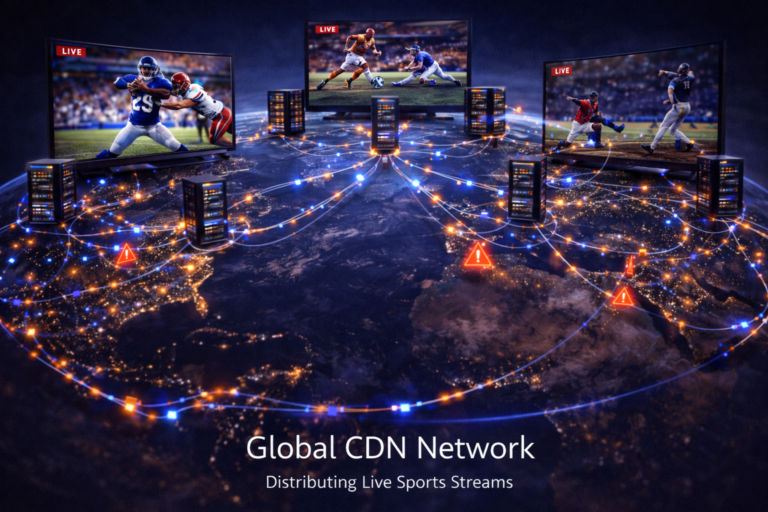
Sometimes buffering problems are actually routing problems between your ISP and Netflix infrastructure.
This explains why two users in the same city can experience completely different streaming quality.
Real world buffering example
Imagine someone with:
- 500 Mbps internet
- WiFi connection
- Busy evening traffic
- Several active devices
- Older smart TV
The speed test looks excellent.
But during playback:
- WiFi jitter increases
- Packet timing fluctuates
- Network congestion rises
- The TV struggles with decoding
The Netflix buffer slowly empties.
Playback pauses.
Buffering appears.
The issue was never raw speed.
It was instability across the entire chain.
| Factor | Technical Effect | Visible Result |
|---|---|---|
| WiFi instability | Irregular packet delivery | Buffering |
| High jitter | Unstable timing | Playback pauses |
| Packet loss | Retransmission delays | Freezes |
| Peak congestion | Bandwidth pressure | Quality drops |
| Weak device | Slow decoding | Playback instability |
| Background traffic | Bandwidth competition | Buffer shrinkage |
| Routing issues | Latency fluctuation | Streaming inconsistency |
Reality Check
Netflix buffering is rarely caused by one simple issue. Streaming depends on stable timing, predictable delivery, low jitter, and consistent bandwidth. Fast internet alone cannot guarantee smooth playback.
Final Verdict
Netflix buffers even with fast internet because streaming depends on much more than download speed. Stability, packet timing, latency consistency, WiFi quality, congestion, device performance, and routing behavior all influence playback. Streaming is a real time system that requires continuous predictable delivery. When any part of that chain becomes unstable, buffering begins even if raw speed remains extremely high.
FAQ
| Question | Answer |
|---|---|
| Why does Netflix buffer on fast internet | Because streaming depends on stability more than peak speed |
| Can WiFi cause buffering | Yes because WiFi often creates instability and jitter |
| What is jitter | Irregular packet timing during network delivery |
| Does buffering always mean slow internet | No many buffering problems come from instability |
| Why is Netflix worse at night | Because network congestion increases during peak hours |