How to add iptv playlist to IPTV SMARTERS [TUTORIAL]
WHAT IS AN IPTV SMARTERS?
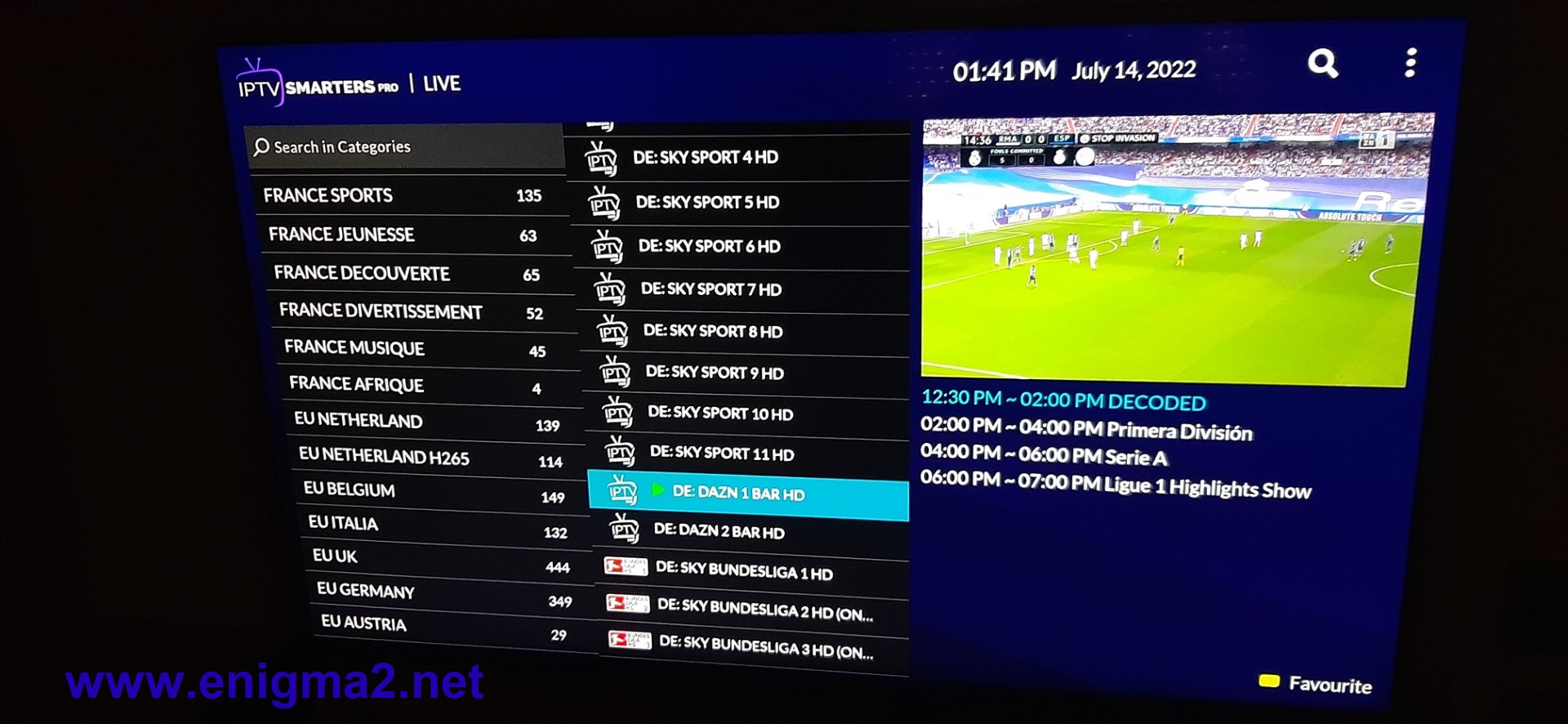
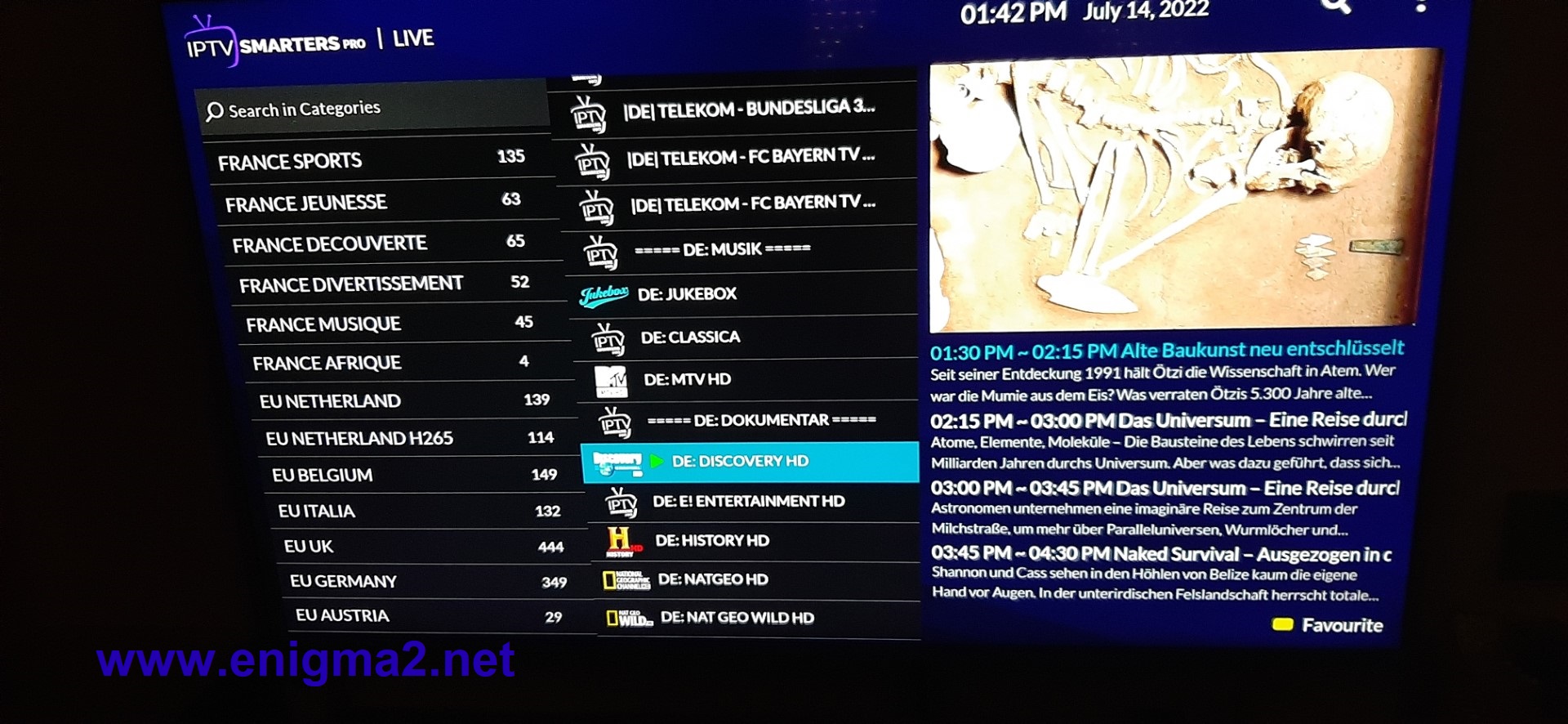
The IPTV Smarters App is a fabulous video streaming player that allows your IPTV customers or end-users to stream content like Live TV, VOD, Series, and TV Catchup supplied by you; on their Android & iOS devices, Smart TV, and even on macOS/Windows PC/Laptop.
Following is a comprehensive list of the devices supported by IPTV Smarters Pro.

Android – Android Phones, Android TV, Android TV Boxes, Android FireTV Sticks, Nvidia Shields, and other android sticks or devices.

Smart TVs – LG & Samsung (App available on the store to download).

iOS – iPhone, iPad, TvOS (Apple TV).

Windows/MAC – Windows 8/10 and all versions of macOS including the latest ones.
Here is a tutorial on configuration of IPTV PLAYLISTS on SANSUMG SMART TV.
Material:
ALL devices supporting IPTV SMARTERS like Android box,Android FireTV Sticks, Nvidia Shields, Apple Tv, Macbook pro, aire, ipad, iphone, SMART TV samsung, LG, PC with windows 10,11…and more
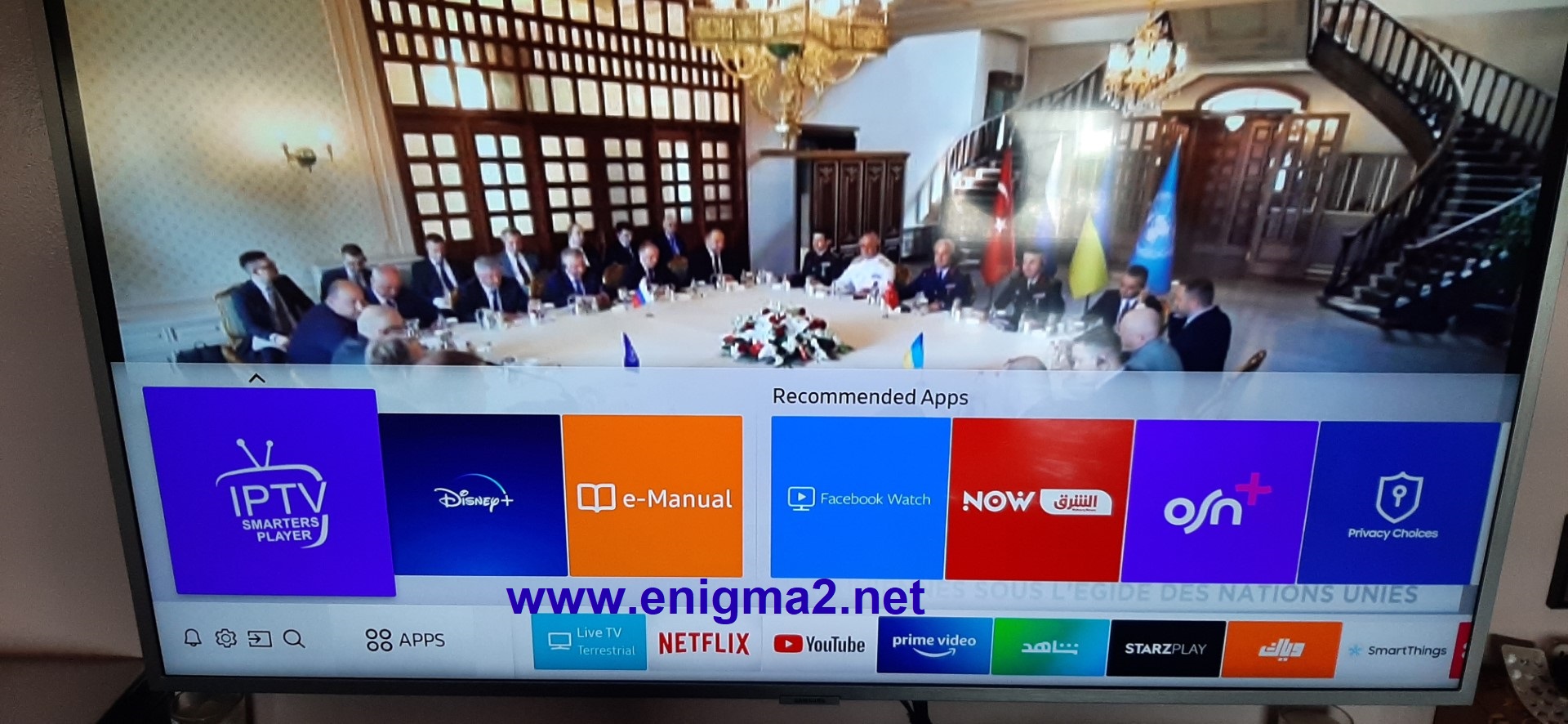
launch IPTV smarters PLAYER
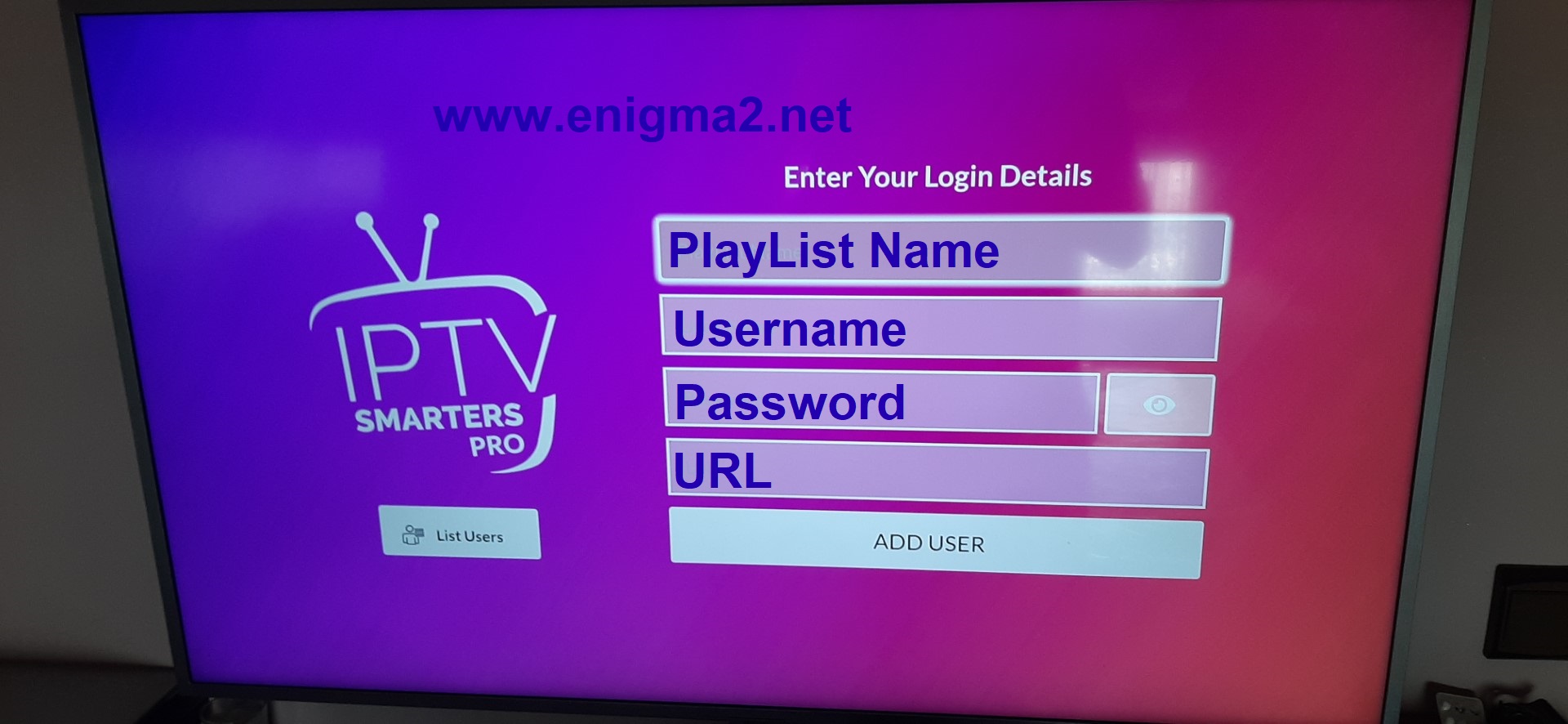
after purchasing the IPTV subscription, you will receive this information.
now type the information below.
Username
password
url
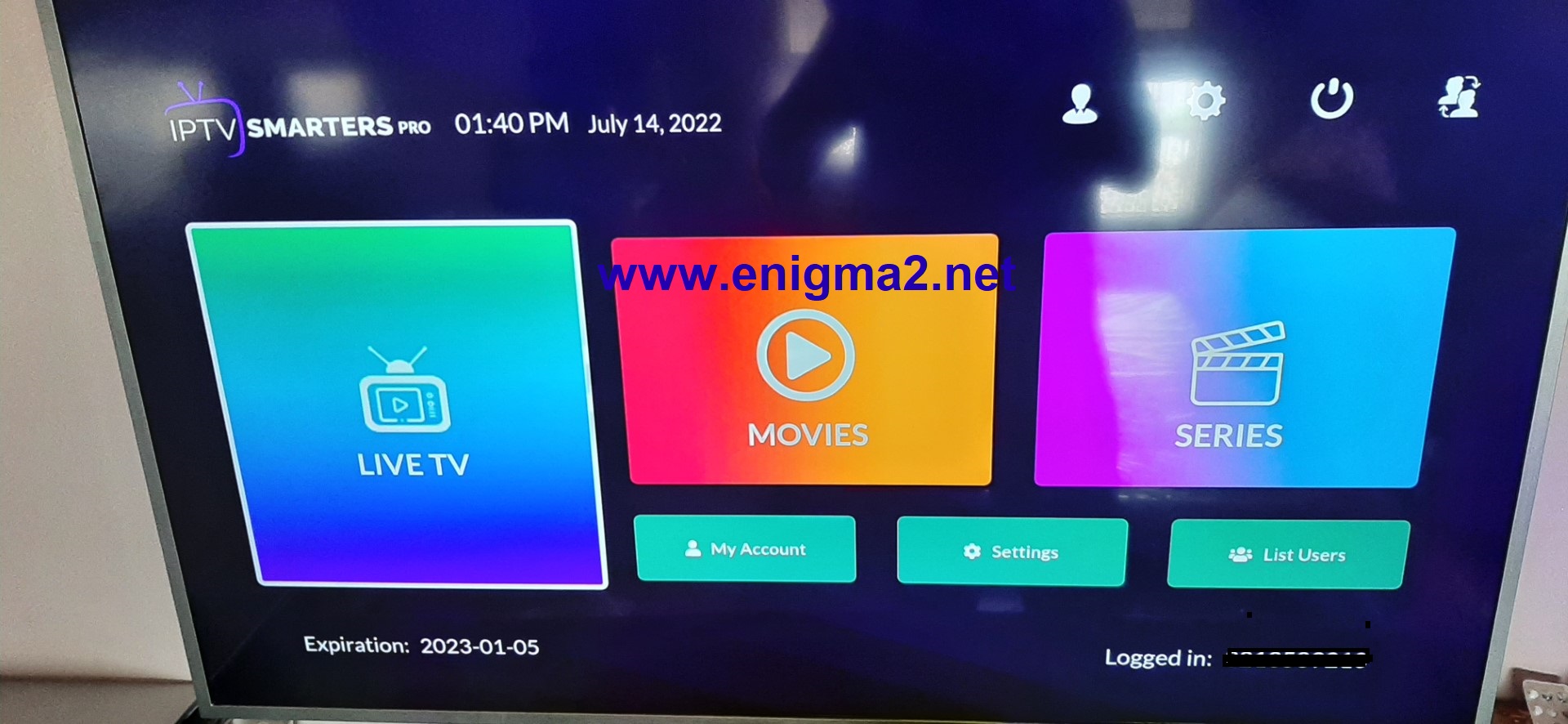
now enjoy with channels, moves and series…
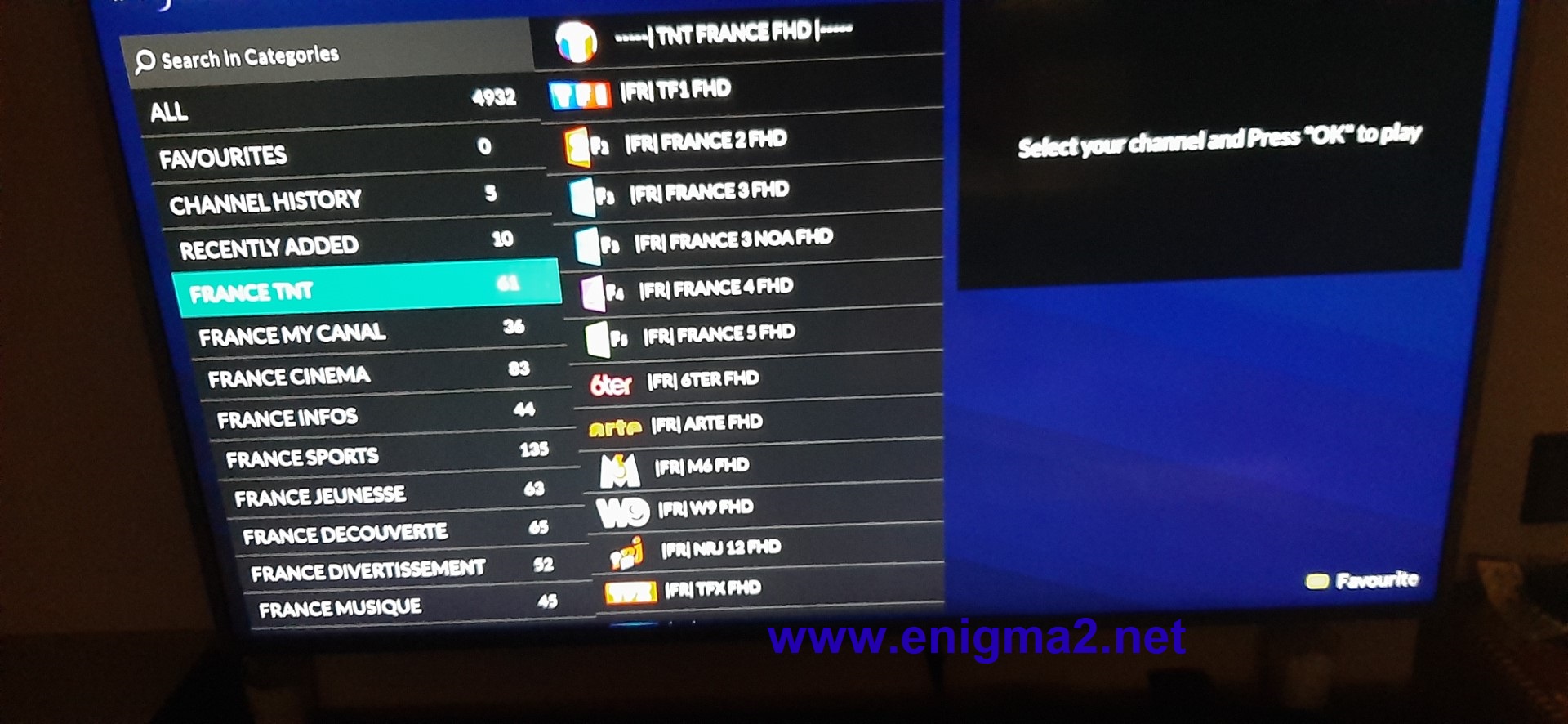
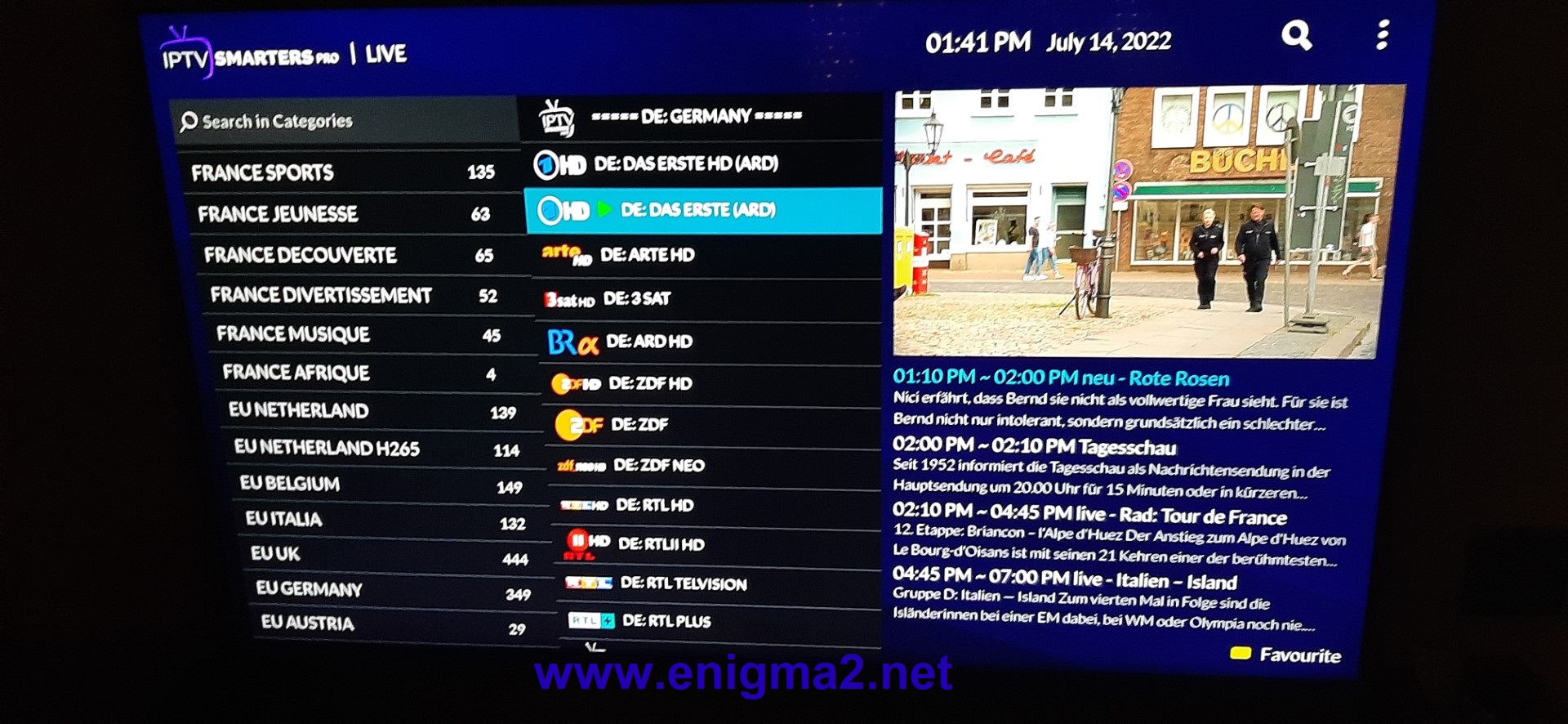
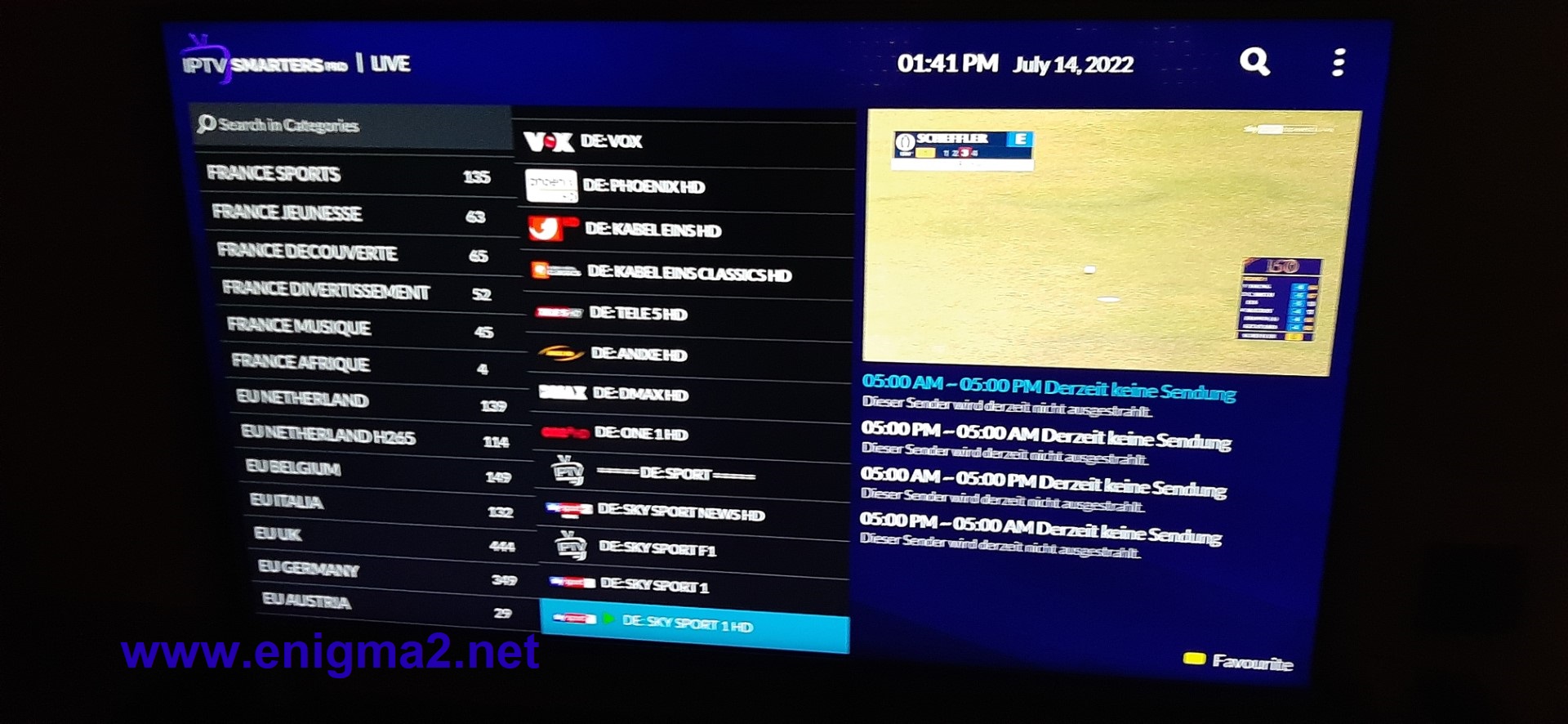
this application support EPG