AI-Powered Streaming Hacks 2026 | The Secret Features Platforms Don’t Tell You About
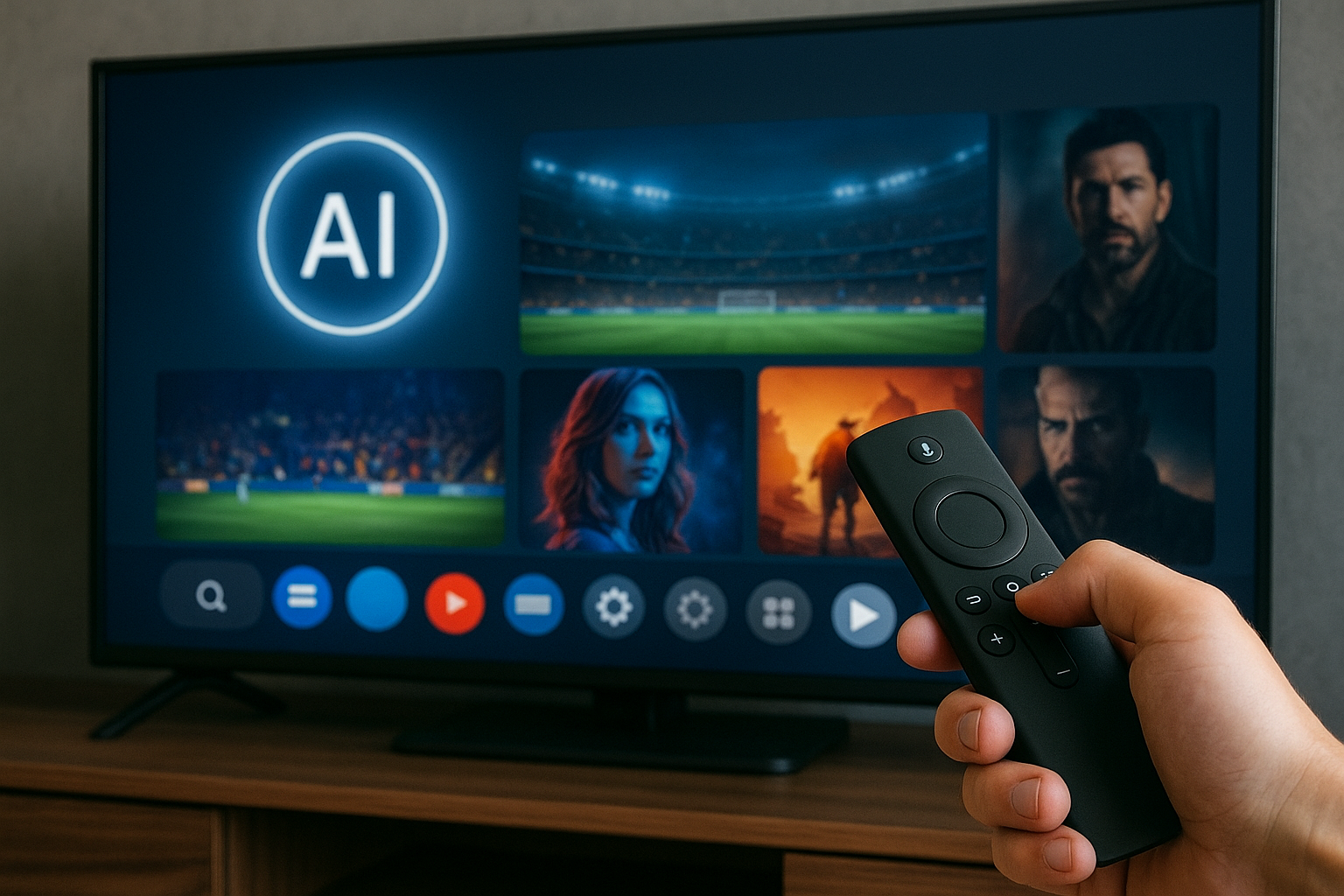
Streaming in 2026 feels completely different from just a few years ago. It’s not only about faster internet or bigger TVs anymore – it’s about AI quietly working in the background to decide which server you connect to, which bitrate you get, how quickly your stream recovers after a drop, and even what you watch next.
The good news? You don’t need to be an engineer to benefit from all of this. There are simple, practical AI-powered streaming hacks you can apply right now to get smoother video, smarter recommendations, fewer buffering issues, and even better results if you’re a streamer or creator yourself.
Throughout this guide, we’ll also point you to more in-depth resources:
➡️ Streaming Tech Hacks – full category on cccam2
➡️ Live Streaming Platforms That Pay Creators in 2026
Table of Contents
- 1. What “AI-powered streaming hacks” actually mean
- 2. AI on the network side – smarter routing and fewer drops
- 3. Hidden AI features inside your streaming apps
- 4. AI inside your TV, box or stick (that you’re not using yet)
- 5. Hacking the recommendation engine to work for you
- 6. AI hacks for live streamers & creators in 2026
- 7. Control, privacy and how far you should go
- 8. Reality Check
- 9. Final Verdict
- 10. FAQ – quick answers
1. What “AI-powered streaming hacks” actually mean
When people hear “AI in streaming”, they usually think of recommendations – “Because you watched…” carousels and suggested shows. That’s only a small piece of the picture in 2026.
Today, AI touches almost every layer of the streaming chain:
- On the server side – AI decides which server or CDN node to serve you from.
- Inside the player – AI-assisted algorithms choose bitrate, buffer strategy and error recovery.
- On the device – Smart TVs and Android TV boxes use AI for upscaling, motion smoothing and noise reduction.
- For creators – AI helps with auto-captions, noise cleanup, scene detection and highlight clips.
Our “hacks” in this article are simply ways to steer these AI processes instead of letting them guess blindly.
2. AI on the network side – smarter routing and fewer drops
Most major platforms now use AI-driven traffic management: they predict congestion, pre-route users to less loaded servers, and dynamically adjust quality to avoid a hard freeze. You don’t see this – you only experience fewer total drops if it’s configured well.
Here’s what you can control as a user:
- Consistency beats peak speed – AI streaming logic prefers stable connections. If you’re on Wi-Fi, use a 5 GHz band and avoid competing downloads so your line looks “clean” to the algorithm.
- Let the player auto-manage quality – turning off “auto” and forcing a fixed 4K resolution can actually cause more drops. With AI-adaptive bitrate, “auto” is often smarter.
- Use one primary device for big events – during live sports or big premieres, avoid having multiple 4K streams from the same home network; it makes AI downgrade everyone.
If you want deeper, more technical tweaks, you can always explore more guides in the Streaming Tech Hacks section on cccam2.
3. Hidden AI features inside your streaming apps
Most users open their streaming apps, hit play, and never touch the settings icon. That’s where a lot of the AI-driven enhancements now live.
Some settings worth hunting for in your favourite apps:
- Data saver vs. quality modes Modern apps don’t just switch resolution – they use AI-based compression. A “data saver” mode may still look surprisingly sharp in 2026. If your connection is unstable, this mode can let AI be more aggressive about compression instead of dropping playback.
- “Optimized for this device” video modes Some apps quietly test your hardware and offer a recommended mode. Choosing that instead of forcing “maximum quality” gives the AI more freedom to adapt.
- Smart download suggestions Many mobile streaming apps now offer AI-powered download recommendations: they guess what you’ll watch next and pre-download on Wi-Fi. Turning this on can make your streaming “instant” when travelling.
- Audio enhancement & clarity AI audio filters that isolate voices, normalize dialogue volume, or suppress background noise can make lower bitrates feel “higher quality” because you understand everything clearly.
Hack mindset: instead of asking “How do I force the absolute highest resolution?”, ask “How do I give the AI enough flexibility to keep this smooth and clear?”.
4. AI inside your TV, box or stick (that you’re not using yet)
Your streaming device itself might be an AI monster without you realizing it. Many 2025–2026 Smart TVs and Android TV boxes ship with AI upscaling, motion processing and picture modes based on scene detection.
Useful device-side AI hacks:
- Turn on AI upscaling for non-4K content If your internet can’t handle full 4K reliably, you can let AI upscale 720p or 1080p streams. The result: less buffering, still sharp.
- Switch off “over-processed” motion smoothing Some AI motion systems make movies look like soap operas. If that bothers you, tweak motion/clarity modes rather than disabling AI completely.
- Use “Intelligent picture” or “Adaptive” modes These modes usually leverage AI to detect dark scenes, fast motion, or bright highlights and adjust picture profiles automatically.
- App priority and background control On some Android TV boxes you can prioritize foreground apps and restrict background services. This gives the AI-based resource manager a clearer job: keep the player fast, sacrifice other tasks.
If you own an Android TV box or plan to buy one, combining these AI features with classic optimization tricks can almost feel like upgrading your internet without calling your ISP.
5. Hacking the recommendation engine to work for you
Most people either love or hate their recommendation feed. Good news: you can actually “train” the AI over a few days to give you content that feels handpicked – if you feed it the right signals.
Here are some surprisingly effective hacks:
- Be intentional for one week For 7–10 days, only click shows and movies that truly match your taste. Avoid “background noise” content. The AI will quickly pivot to that pattern.
- Use the rating/like/dislike buttons They still matter. A few strong signals can weigh more than dozens of passive watches.
- Don’t share profiles between very different viewers Mixing kids’ cartoons, true crime documentaries and anime on one profile confuses every algorithm on earth.
- Create “mood profiles” Some platforms let you have multiple profiles – one for movies, one for documentaries, one for sports. Each becomes a clean training dataset.
It’s not magic – but after a while, browsing stops feeling like work and starts feeling like a curated list.
6. AI hacks for live streamers & creators in 2026
If you’re on the creator side, AI is not just a buzzword – it directly affects how your content is discovered, recommended and monetized in 2026.
If you plan to stream or already go live, this article is a must-read: Live Streaming Platforms That Pay Creators in 2026
On top of platform choice, here’s how you can use AI as a creator:
- AI-based noise reduction and audio cleanup Cleaner sound instantly makes your stream feel professional, even before you upgrade your mic.
- Auto captions and multi-language subtitles Many tools now generate live captions; this helps with accessibility and algorithmic ranking.
- Highlight detection AI can cut your stream into best moments – ideal for Shorts, Reels, and teasers that bring viewers back to your lives.
- Smart thumbnail assistance Some platforms and third-party tools suggest thumbnail frames likely to get more clicks.
- Timing & scheduling AI dashboards on big platforms analyse when your audience is most active and suggest going live at peak times.
Think of AI as an invisible editor and assistant – not a replacement for your personality, but a multiplier.
7. Control, privacy and how far you should go
Every AI advantage comes with a trade-off: more personalization usually means more data. You don’t have to accept everything platforms offer.
Healthy boundaries:
- Review privacy settings in each app – turn off data points you don’t want to share.
- Avoid linking every social account everywhere unless it actually benefits you.
- Use separate profiles for family members or different viewing habits.
- Clear watch history occasionally if recommendations feel “stuck”.
The best hack is balance: let AI help you when it clearly improves the experience – and say “no” when it doesn’t.
8. Reality Check
AI won’t magically fix a truly bad internet line or a ten-year-old streaming stick. It also won’t always guess your taste perfectly, no matter how smart the algorithm becomes.
What it can do – and already does in 2026 – is optimise what you already have: squeezing better quality out of the same bandwidth, making content easier to find, and giving creators better tools without a Hollywood budget.
If you combine AI features with basic tech hygiene (good router, decent device, simple settings), the difference is dramatic.
9. Final Verdict
AI-powered streaming hacks in 2026 are not science fiction – they’re already sitting in your apps, TVs and platforms, waiting to be used. When you understand how these systems think, you can guide them instead of fighting them.
Let the network AI handle routing, let the player manage adaptive quality, let your TV upscale smartly, train your recommendation feed, and if you’re a creator, lean on AI tools to clean, cut and boost your content.
The result is simple: fewer pauses, better pictures, smarter content – and a streaming setup that actually feels like it belongs in 2026.
10. FAQ – quick answers
Do AI streaming features cost extra?
In most cases, no. They are built into the platform or device – you just need to enable or configure them.
Can AI really reduce buffering?
It can’t create bandwidth out of nothing, but it can choose better servers, better bitrates and smarter buffering strategies, which usually means fewer hard freezes.
Is it safe to let AI recommend everything I watch?
Safe – mostly yes. But you may end up in a “bubble”. Use search and manual browsing sometimes to keep your feed diverse.
As a creator, do I need AI tools to succeed?
You can create without them, but AI tools save time and help you compete with bigger teams. They’re a strong advantage, not a strict requirement.
About the Author
This article was written by the cccam2 editorial team – focused on streaming tech hacks, IPTV, and next-generation viewing experiences for 2026 and beyond.
For more deep-dive guides, visit the full Streaming Tech Hacks section.